
6 Best Managed IT Services Providers for Small Businesses
Compare the best managed IT services providers for small businesses by services, pricing signals, minimums, and team size, plus a shortlist checklist.

 Reviewed by Nikita Podelenko, Founder & Engineer of SkipCalls
Table of contents
At 4:45 on a Friday, the file server in a 12-person office stops responding. Half the staff can't open the shared drive, the quoting spreadsheet is locked, and the owner dials the support number printed on the contract. It rings twice and drops to voicemail with a promise of a callback during business hours. Business hours resume Monday at 8 a.m.
Choosing a managed IT provider comes down to four things: how fast someone answers, what the contract covers, what minimums you have to meet to sign, and whether the provider is built for your headcount and your number of locations. Two vendors can advertise identical stacks and behave nothing alike at 4:46 on a Friday.
The providers below are described only from what they publish about themselves, each with features, pros, cons, and a fit profile that names the size of business it suits. After the list you get an after-hours call test with a script and a written-scope checklist you can run against any vendor, including one that isn't here. The phone fails in the same way IT does, except it costs jobs instead of files: SkipCalls is an AI receptionist for local service businesses such as plumbers, electricians, realtors, and lawyers, built for the calls a small team can't pick up.
Table of Contents
- Managed IT Providers Compared by Fit
- How the six providers compare on published details
- How to Compare Any Managed IT Provider
- Choose Your Managed IT Provider Before the Next Outage
Managed IT Providers Compared by Fit
A managed IT contract should be judged by fit, not by the size of the service catalog. A solo operator, a 5-person office, a 25+ workstation shop, and a multi-location firm all buy different things, even when the proposal uses the same words: monitoring, security, backup, support, and planning.
The six providers below are framed by the type of buyer each one suits. Pricing, minimums, and coverage are stated only where the provider publishes them clearly. Everything else belongs on the call list, not in the marketing summary.
The market baseline matters, but it should not decide the contract. ConnectWise's survey of 700 IT and business decision-makers found that 94% of small and medium-sized businesses used a managed service provider in 2024, up from 89% in 2022. Security ownership is a different question. The CrowdStrike 2025 SMB cybersecurity survey of 291 U.S. SMB professionals found that 70% rely on outside experts for security decisions, while only 42% provide regular employee security training. Ask who owns that training gap in writing. A security tool without a training owner leaves the same weak entry point open.
1. RDE Technologies
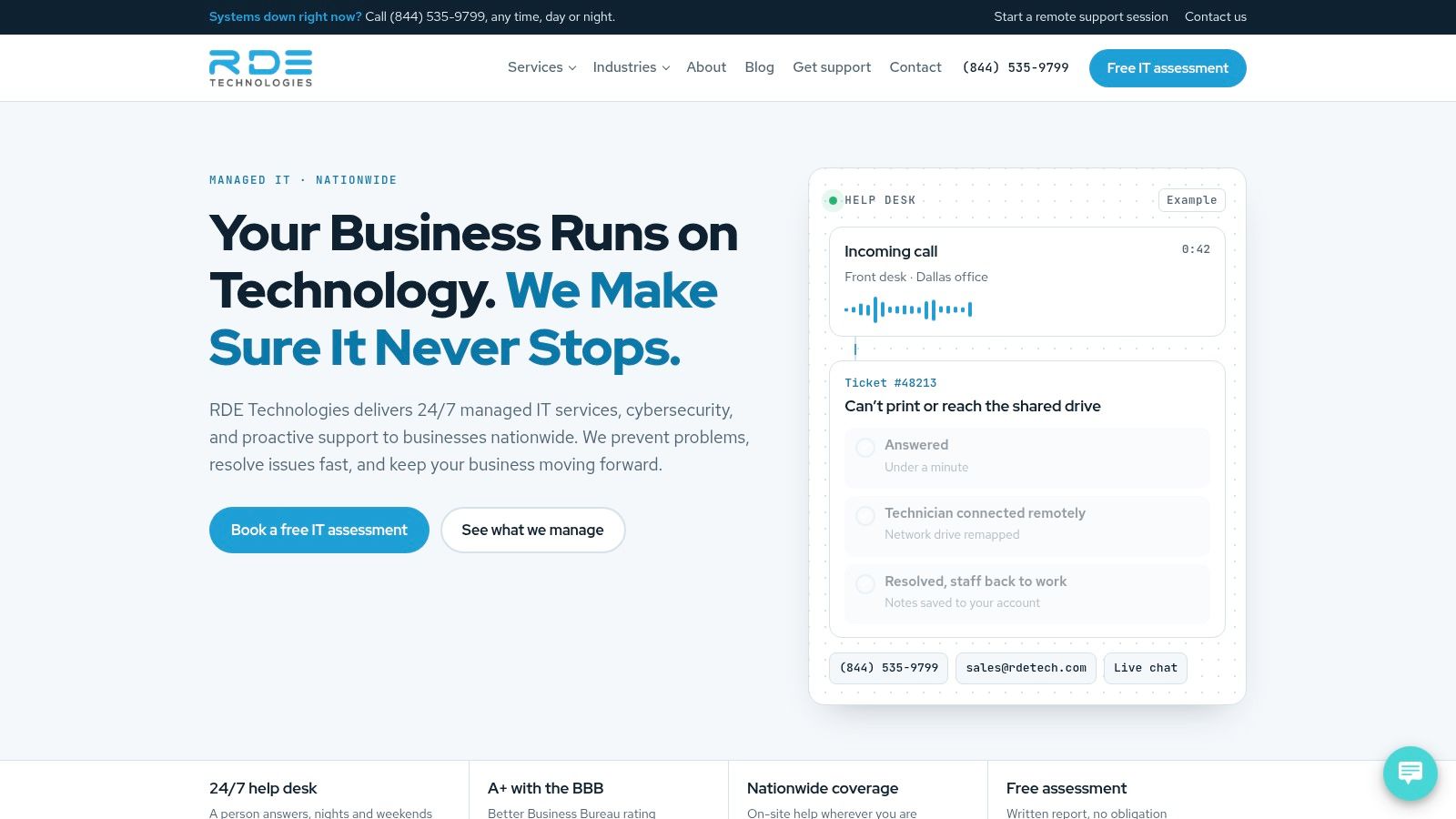
RDE Technologies is an IT consulting and support company based in Oceanside, New York, with a stated focus on New York and the Tri-state area and service availability nationwide. It suits an office that would rather buy infrastructure, security, backup, and phones from one vendor than coordinate four contractors. Its published work covers initial IT setup, computer network management, data backup, security management, VoIP, web hosting, IT assessments, wireless installation, and cabling.
What RDE Technologies Covers
- Infrastructure upkeep: maintenance and managed services covering software updates, troubleshooting, and the diagnosis and repair of problems that stop normal business operations.
- Managed backup: storage and protection of business data kept outside routine day-to-day computer use, which is the difference between a copy and a backup plan.
- Security management: protection of servers, networks, and sensitive information against unauthorized access and other threats.
- Telephony: VoIP services for business phone requirements, with communication cost and security named as the areas those services address.
- Project work: IT assessments, initial setup, network management, and wireless installation for offices running aging or poorly coordinated equipment.
Delivery runs through a support center and remote support, with field technicians referenced in customer accounts, and certified engineers stay in contact with the customer through the job. That matters because a small vendor's weak point is often communication, not repair skill. The scope is broad enough for an office with aging equipment, on-premises systems, hosted services, and phone lines that currently have no clear owner.
Ask before signing: which items are delivered remotely, which need a technician on site, and whether the Tri-state response promise covers your address.
Outside the region, ask directly who physically shows up and what a site visit costs, because a nationwide service promise and a local van are different products. Full scope is listed on RDE Technologies' managed IT services page.
Fit profile: a 5 to 25 person New York or Tri-state office that wants infrastructure, backup, security, and phones under one contract.
2. Miles IT
Miles IT sells one product rather than a menu. The Miles Assurance Plan bundles IT support, monitoring, cybersecurity, and IT planning into a monthly per-user fee, and the company advertises month-to-month terms with no per-ticket or per-visit fees. For an owner tired of approving a separate invoice every time something breaks, flat billing is the feature.
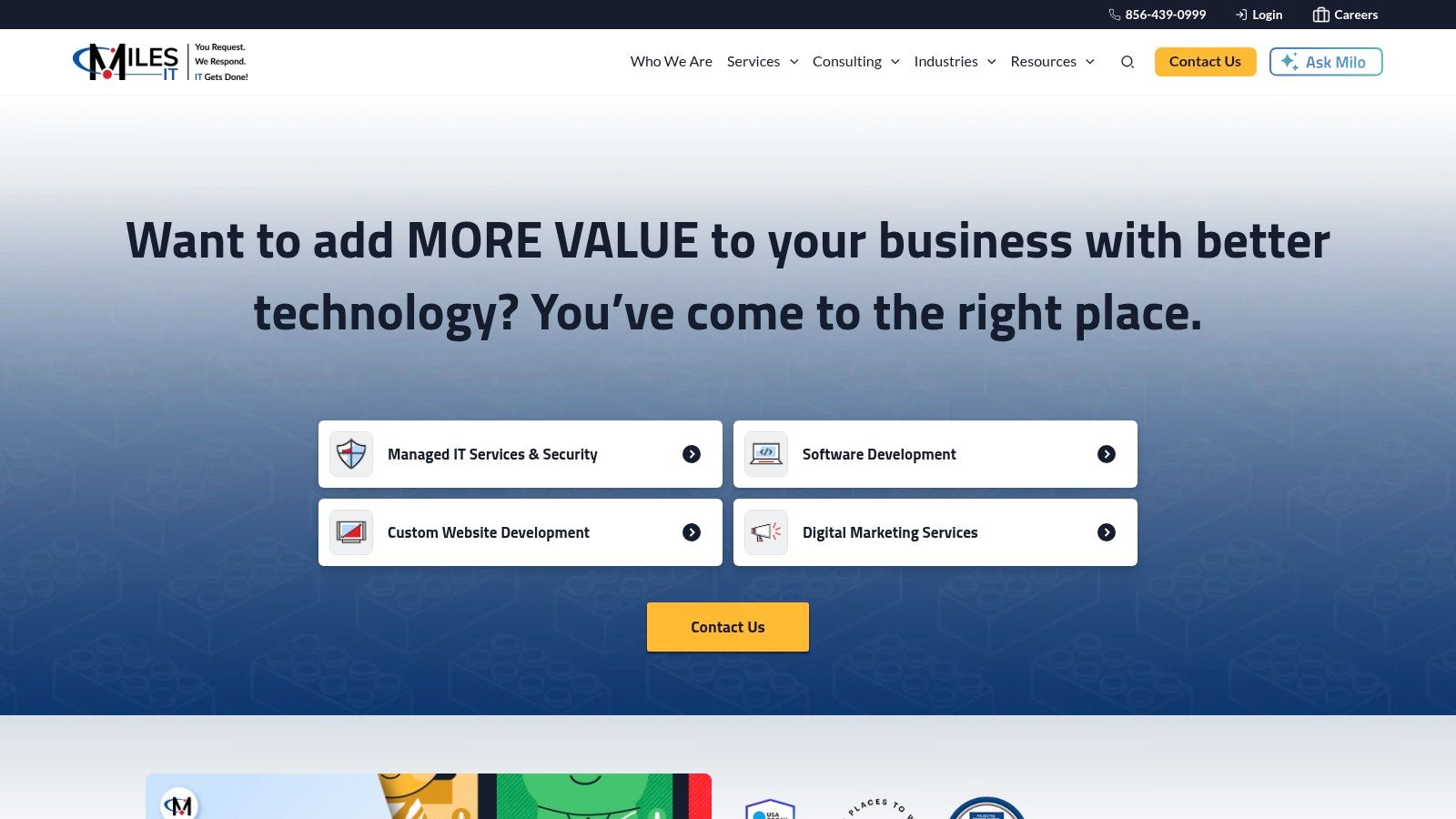
Support runs 24/7 remotely, and the provider says it can deliver on-site service in all 50 states. That combination is unusual for a small-business provider, most of which are regional by nature. It also offers co-managed IT, so an existing IT employee or contractor keeps the inside knowledge while the provider takes the after-hours queue and the tooling. Details are published on Miles IT's managed IT page.
What works, in plain terms:
- One accountable vendor: support, monitoring, security, and planning come from the same company, so nobody can blame the monitoring tool for the outage.
- Low exit cost: month-to-month terms mean leaving doesn't require serving out a multi-year agreement.
Two limits are worth pricing out. The provider requires a quote even though the model is per-user, so the published logic is per-user and the actual number isn't. A broad bundle can also overshoot a very small, low-complexity office that mainly needs email, file sharing, and a printer that works.
24/7 IT coverage doesn't answer your sales line, and that's a separate purchase. If the after-hours test below reaches voicemail at your own business, an AI answering service covers that specific gap without adding a receptionist shift.
Fit profile: a business with two or more locations, or one that already has an IT person and needs the after-hours and security layer beneath them.
3. NeverBlue IT
NeverBlue IT is the option here with a real map. It pairs a 24/7 help desk covering monitoring, patching, maintenance, and security with scheduled technician visits, daily, weekly, or monthly, in Central Florida and Southeast Michigan, plus remote support nationwide and project travel that can be arranged. For an office that wants a technician who knows which closet the switch lives in, the schedule is worth more than a longer tool list.
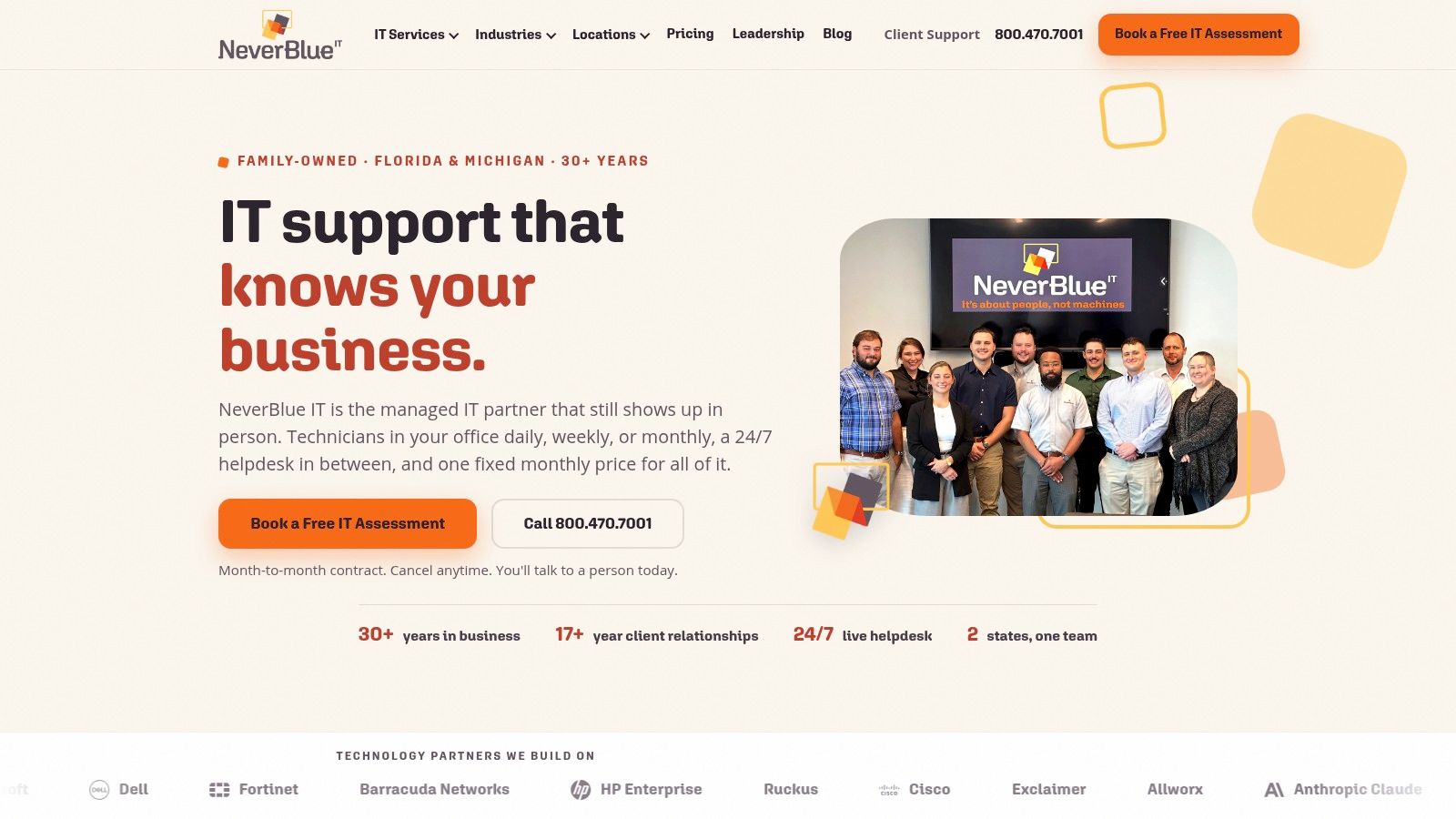
Plans come in three levels: Base, Enhanced Security, and vCIO Partner, with published starting prices and month-to-month terms on NeverBlue IT's plans page. The vCIO tier is the one to look at if you want someone reviewing the technology plan every quarter rather than only reacting to tickets. The provider says its help-desk technicians are its own U.S.-based employees, which matters when you're explaining a problem at 9 p.m. to someone who can't see your screen.
Two limits, stated plainly. Scheduled on-site service stops at the Florida and Michigan territories, and published prices are starting rates with minimums attached. A fully remote business gains little from the visit schedule and can usually find comparable remote support from a provider closer to home.
If you sit on the other side of this relationship and run an IT company yourself, SkipCalls guides for IT companies cover how intake calls and after-hours requests get handled.
Fit profile: a 5 to 15 person office in Central Florida or Southeast Michigan that wants a named technician on a schedule and remote coverage in between.
4. Cortavo
Cortavo sells tiers that stack. Base coverage is managed IT with a 24/7 U.S.-based help desk, remote support, monitoring, patching, and endpoint management. Higher tiers add security protections, backup, license management, and account management, and the top tier can include unlimited on-site support, network equipment, cloud services, and hardware. Fully managed and co-managed arrangements are both available.
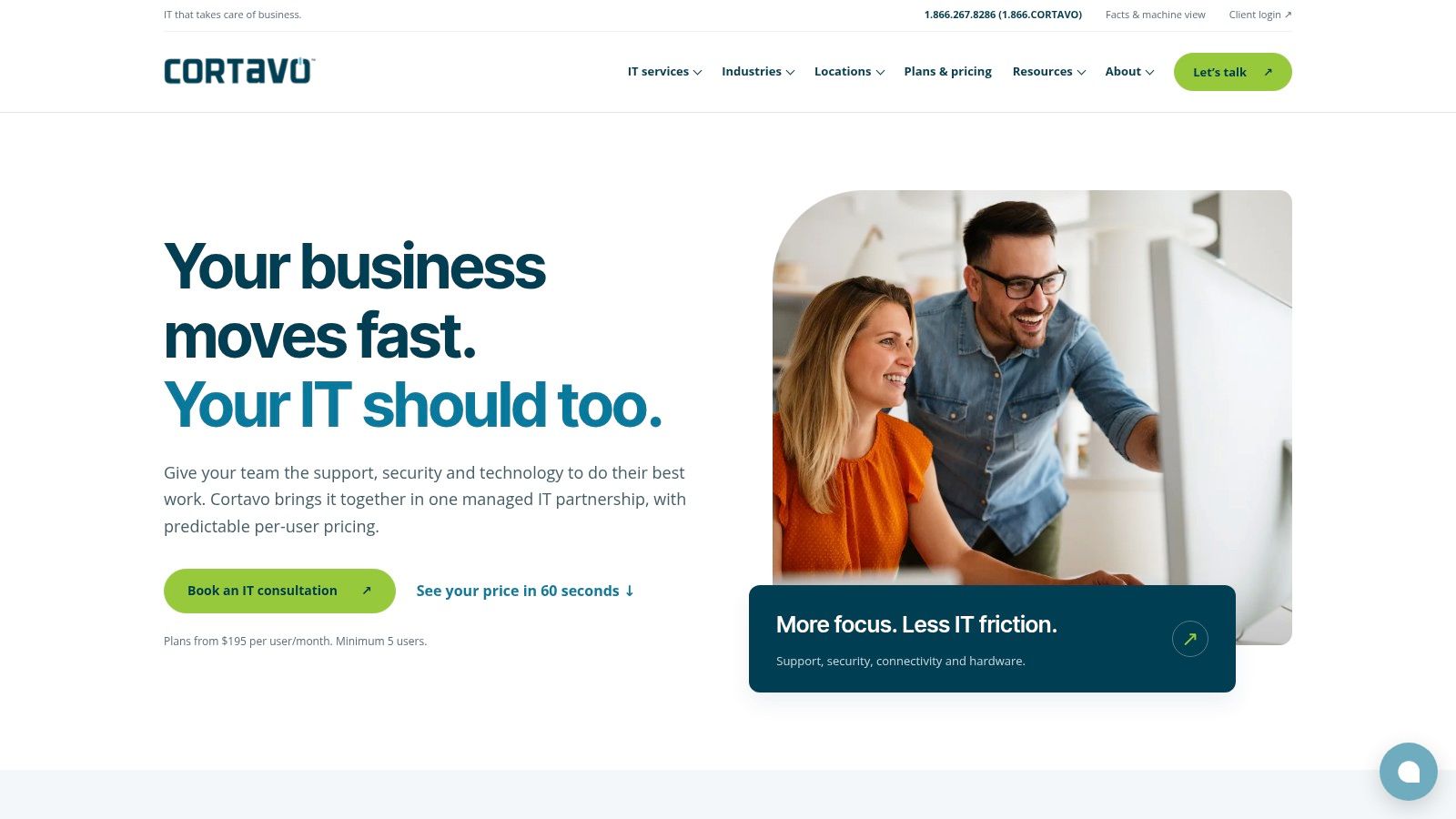
The bundling is the point. If your office still buys laptops, a firewall, and a phone system separately and then hunts for someone to configure them, folding that into a per-user plan simplifies budgeting. The company's published customer stories include construction and electrical-services businesses, which is a reasonable signal for trades running crews off-site and a small back office. Tier contents are listed on Cortavo's plan page.
Three things to price before you get interested:
- The five-user minimum: a solo operator or a two-person office is out.
- The starting price: published prices are starting points, and project work, migrations, and third-party applications need clarifying before signature.
- The overlap: if you already have a connectivity provider and a hardware vendor you like, bundled equipment and network services may duplicate what you're paying for.
Fit profile: a 5 to 20 user office, especially in the trades, that wants IT, security, and hardware on one invoice and will trade some vendor choice for fewer bills.
5. Ntiva
Ntiva is the one to examine if you want a path rather than a package. Plans run from Core to full with published starting prices, and the service list includes remote support, network monitoring, workstation management, and Microsoft 365 support. The higher plan adds security and compliance work, including vulnerability management and phishing-prevention training. Plan comparisons sit on Ntiva's managed services page.
That training line deserves attention. Ntiva also offers IT advisory, a dedicated account manager, and employee onboarding and offboarding, plus co-managed service for businesses with an internal IT person. If your office has grown past the point where the owner handles vendor calls, an account manager who owns the relationship is worth something concrete.
What stands out:
- A route upward: start with day-to-day support and add compliance and security without changing vendors mid-growth.
- Planning time in the model: advisory and account management are part of the service, not a separate consulting engagement.
The caution is arithmetic. Starting prices aren't final prices, and advanced security, compliance work, on-site support, and project work all move the quote. A three-person office that needs email, file sharing, and a working printer may be paying for a portfolio it never touches.
The phone side is a separate purchase; a best AI receptionist comparison covers that category on its own.
Fit profile: a 10 to 50 person professional services office that expects to need compliance or security work within a couple of years.
6. CMIT Solutions
CMIT Solutions is a network of local offices, and that structure is the entire evaluation. The office that would serve you may offer managed IT, help-desk support, cybersecurity, cloud and Microsoft 365 management, backup, and IT planning. Some local offices advertise flat monthly pricing and 24/7 monitoring. Others may not, and the CMIT Solutions brand name tells you nothing about which one you're getting.
The upside is a local team that can show up in person while drawing on wider network resources. For an owner who wants to hand a laptop to a person standing in the room, that beats a national help-desk queue.
What to pin down with the specific office:
- After-hours reality: who answers at 8 p.m., and whether 24/7 monitoring includes 24/7 response or only alerts.
- Response commitments: first-response and resolution targets in writing, by priority.
- On-site fees: what a visit costs and how far the technician travels.
- The quote: pricing depends on users, devices, scope, and complexity, so compare line items rather than totals.
The office structure doesn't cover the phone sitting on your own front desk. A call answering service handles the hours when nobody is there to pick up.
Fit profile: a local office buyer who values in-person support and is willing to do the work of vetting one specific franchise location.
How the six providers compare on published details
| Item | Pricing Model | Minimum or Term | On-Site Coverage | Best Fit |
|---|---|---|---|---|
| RDE Technologies | Quote-based | Terms not published | Field technicians; New York and Tri-state focus, nationwide service availability | Businesses seeking managed IT, infrastructure support, backup, and security |
| Miles IT | Monthly per-user fee; quote required | Month-to-month | Available in all 50 states, according to the provider | Businesses needing broad support across one or multiple locations |
| NeverBlue IT | Published tiered starting prices | Month-to-month; minimums apply | Scheduled visits in Central Florida and Southeast Michigan; remote support nationwide | Offices in its service areas that value regular technician visits |
| Cortavo | Tiered per-user plans | Five-user minimum | Unlimited on-site support available in higher tiers | Teams seeking bundled IT support, security, and hardware options |
| Ntiva | Published starting prices; final quote varies | Terms not published | On-site support may affect the quote | Businesses needing IT support plus advisory, security, or compliance services |
| CMIT Solutions | Quote-based; local office sets terms | Local office sets minimums and terms | Depends on the local office and service area | Businesses wanting local IT support backed by a wider provider network |
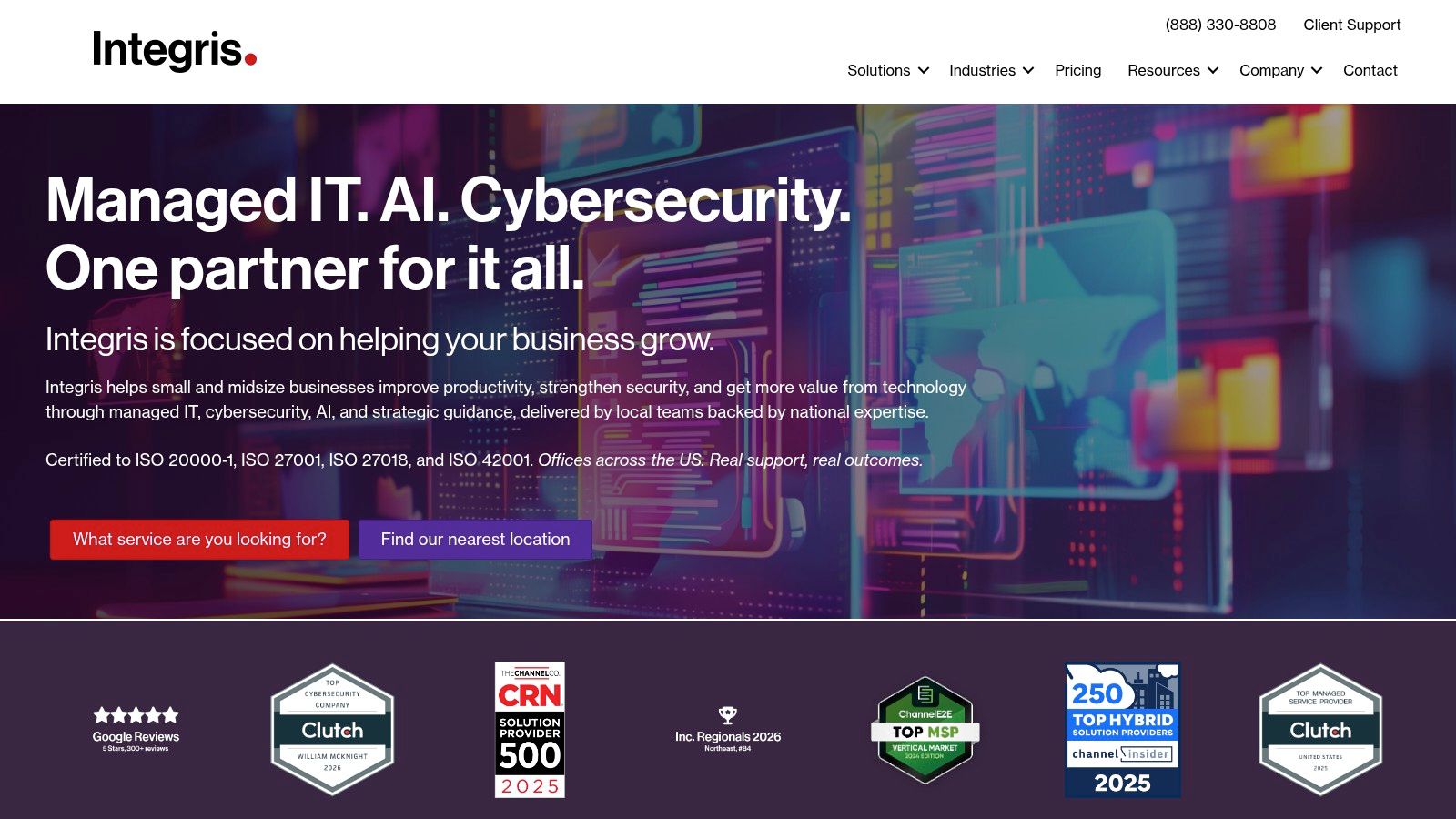
| Integris | Quote-based | Terms not published | Verify availability for the business's location | Established businesses with security, compliance, or co-managed IT needs |
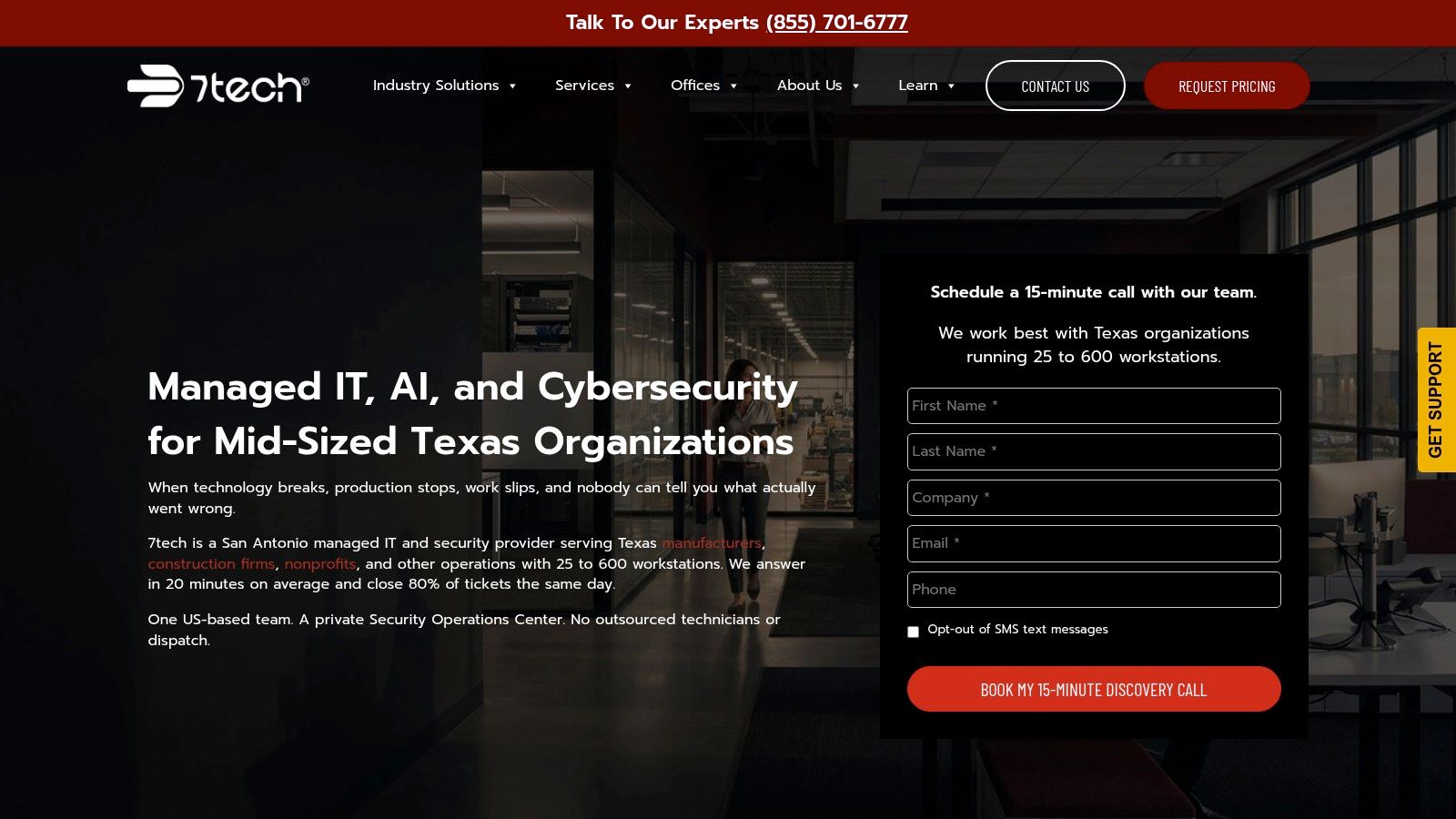
| 7tech | Published per-user tiers | 25-workstation minimum; 12-month minimum term | Available in higher tiers; confirm coverage outside Texas markets | Larger small businesses, especially in construction or manufacturing |
The comparison is most useful when each row is read as a fit profile, not a scorecard. A five-person office with occasional laptop issues has different needs from a 25-workstation construction firm with jobsite hardware and a year-long service commitment. Published details help narrow the field, but the written scope still decides what the provider must do after the sale.
Price transparency is the first practical split. RDE Technologies, Miles IT, CMIT Solutions, and Integris use quote-based pricing in this comparison, so the office manager's first job is to define the environment before requesting numbers: workstation count, servers, locations, after-hours needs, security tools, and whether on-site visits are expected. Ntiva and NeverBlue IT publish starting prices, but final costs still depend on the support package and service area.
Cortavo and 7tech are easier to screen on minimums. Cortavo's five-user minimum makes it relevant for small teams that want bundled support, security, and hardware options. 7tech's 25-workstation minimum and 12-month term make it a poor fit for most solo operators and small offices, but a reasonable candidate for larger small businesses that can commit for a year and want the higher-tier coverage.
On-site coverage needs a tighter question than “Do you travel?” Ask where the technician is based, what counts as an on-site visit, and whether emergency travel changes the bill. Miles IT states availability in all 50 states. NeverBlue IT pairs scheduled visits in Central Florida and Southeast Michigan with nationwide remote support. RDE Technologies lists a New York and Tri-state focus with nationwide service availability. Those details help, but they still leave arrival time and travel cost to the written scope.
CMIT Solutions needs a local-office check because the office sets terms and coverage. That can be a strength when the local franchise knows the area and can send technicians quickly. It also means the buyer should get the service area, escalation path, and after-hours process in writing instead of assuming every office runs the same playbook.
Integris and Ntiva suit buyers with advisory needs alongside break/fix support. Integris is described here as a fit for security, compliance, or co-managed IT work, with pricing by quote and location availability to confirm. Ntiva lists published starting prices, and on-site support may affect the quote. Both need a clear statement of which advisory tasks are included, especially when compliance work can sprawl beyond routine maintenance.
SkipCalls belongs in this comparison as a call-coverage layer, not as a replacement for a managed IT provider. It is an AI receptionist and 24/7 AI answering service for small businesses. It answers common questions about an IT company's services and pricing, captures details such as job type, location, and when break/fix support is needed, and can follow the business's script, FAQs, business hours, service areas, and rules on what it will or won't promise. Setup takes one minute and requires no tech skills: copy and paste services, set business hours, and approve the important steps as the agent guides setup through MCP after you create an account in the browser and get a dedicated business number through SkipCalls.
Its published plans make it easier to cost than an IT support retainer. Starter costs $29.99 per month or $249.99 per year and includes a 7-day free trial with a card required to start it. PRO costs $49.99 per month or $499.99 per year and includes 3 AI agents, 3 phone numbers, up to 350 calls per month under the fair usage policy, and everything in Starter. Business costs $129 per month or $1,290 per year and includes 10 AI agents, 10 phone numbers, 1,000 minutes per month, and everything in PRO. Enterprise uses custom pricing starting from 1,500 minutes per month, with a lower per-minute rate at volume.
The trade-off is scope. SkipCalls answers, routes, books, and captures information; it does not fix the server or manage the_endpoint. For an IT provider, the practical use is intake discipline: answer after hours, collect the job type and location, identify urgent break/fix needs, follow the approved pricing ranges, and reserve calendar slots for delivery windows or pickup times. Confirmations and reminders go out automatically in the business's name. PRO and higher plans add voice cloning, CRM integrations, API access, and webhooks, so Starter is the lean option for firms that only need call handling.
That distinction matters when comparing “managed IT” listings. A provider with strong on-site coverage still loses work if the phone goes unanswered at 7:30 p.m. A service like SkipCalls still needs a technician and an escalation process when the caller describes a network outage. The best shortlist treats both sides plainly: one provider owns the technical work, and the call process makes sure the work gets captured, routed, and scheduled without relying on someone to sit by the phone.
How to Compare Any Managed IT Provider
Price and ticket volume tell you almost nothing about what happens at 4:45 on a Friday. Four tests do.
Run the After-Hours Call Test
Call each provider's support line at 7:30 p.m. on a weekday and again at 9 a.m. on a Saturday, using the same script every time. Don't announce that you're a prospect. You're testing what a customer gets, not what a salesperson says.
"Hi, this is Dana from a 12-person office on a current support plan. Our file server is down and nobody can open the shared drive. Who am I speaking with, what's the ticket number, and when should I expect a call back?"
Write down five things: minutes to reach a human, whether that person could name an escalation owner, the ticket number, the promised callback time, and whether the callback arrived. Three attempts, spread across a weekday evening, a weekend morning, and a holiday if you can, show the pattern.
Unanswered calls are the norm in small business, not the exception. Studies of inbound call handling keep finding that a large share of calls reach voicemail or no response at all, and home services firms lose roughly a quarter or more of their inbound calls. If a provider's own support line can't answer, assume your callers will get the same treatment.
If a provider proposes automated outbound callbacks or prerecorded messages, check it against the FTC's guidance on the Telemarketing Sales Rule, which requires transmission of Caller ID information and prohibits abandoned outbound calls outside a safe harbor that caps abandonment at 3% and requires supporting records.
Put the SLA Into Numbers
Uptime percentages sound alike until you convert them. The Uprite MSP SLA benchmark guide positions 99.9% infrastructure uptime as a standard target, which allows about 8.76 hours of downtime a year, while 99.99% allows roughly 52.6 minutes. Ask which systems the number covers: internet connectivity, cloud applications, managed devices, servers, or only the provider's own systems. A 99.9% promise that covers only the provider's own dashboard tells you nothing about your file server.
The same guide cites priority-based response benchmarks of about 15 minutes for critical incidents, 2 hours for high-priority issues, and up to 8 business hours for standard tickets. It reports 74.14% first-contact resolution, 96.16% resolution-SLA adherence, and 97.83% customer satisfaction across providers, figures worth treating as directional because methodology and provider mix vary.
A provider that can't tell you the date of its last successful restore test hasn't tested anything.
Targets mean little without the terms attached: coverage hours, resolution or workaround objectives, escalation paths, and service-credit rules. For a business that lives on phones, scheduling, dispatch, or payments, ask for documented restore tests with recovery-time and recovery-point objectives rather than an uptime promise. An uptime number protects the provider. A restore test protects you.
Ask What Happens After a Serious Incident
Updated tools aren't the same as mapped risk. Verizon's 2025 small-business survey found 47% of SMBs had updated cybersecurity solutions during the previous year and 25% were using AI to improve cybersecurity. An update without a written response plan still leaves you improvising at the worst moment.
AI use is the newest blind spot. Cisco's 2025 Cybersecurity Readiness Index found 65% of small companies lacked visibility into employees' use of AI, against 51% of medium-sized and 54% of large enterprises. Ask the provider to document controls for AI-use policy, data leakage prevention, identity management, SaaS configuration, shadow IT discovery, and training. If the answer is a product name instead of a written policy, keep pushing.
Two Checklists to Bring to Every Call
Shortlist checklist
- Minimums and pricing model: users, devices, workstations, per-user or per-device, and setup fees.
- Contract term: month-to-month or 12 months, notice period, and exit terms.
- Coverage area and on-site fees: who drives, how far, and what a visit costs.
- Response targets in writing: by priority, with the hours of coverage attached.
- Exclusions: licensing, mobile-device management, compliance consulting, projects, and after-hours surcharges.
Written-scope checklist
- Monitoring definition: what 24/7 covers and who triages an alert at 2 a.m.
- Incident authority: what the provider can disconnect or shut down without your approval, and who calls you.
- Restore testing: how often a restore is performed, what gets tested, and where the report lives.
- Monthly reporting: multifactor-authentication coverage, endpoint protection coverage, critical-patch age, backup success rate, and mean time to contain an incident.
- Insurance and breach support: who completes the cyber-insurance forms and who handles breach notification.
- Offboarding: who holds the admin accounts and how your data comes back.
Ask for the last three monthly reports before you sign, not after. A provider that can't produce them is selling monitoring, not management.
Choose Your Managed IT Provider Before the Next Outage
The decision isn't which vendor has the most tools. It's which vendor answers at 4:45 on a Friday, and which one has written down what happens next. Work the sequence in this order and the shortlist usually collapses to one name.
- Shortlist two or three. Match headcount, locations, and minimums first. Anything with a user or workstation floor above your size, or without on-site coverage for your address, is out before you compare features.
- Run the call test on all of them. Same script, same three time slots. Minutes to a human and whether the callback arrived will separate the field faster than any feature grid.
- Compare the documents, not the brochures. Response commitments by priority, hours covered, on-site fees, exclusions, and exit terms side by side on one page.
- Choose, then file it. Sign, and keep a copy of the agreed scope with its version and date attached to the contract. Put the escalation number in every manager's phone.
Expect the lowest quote to lose on scope once you line the documents up. A lower per-user rate that excludes security monitoring, backup management, or compliance support costs more once those are added back, and a provider that can't show you a restore test is charging you for a promise.
One more thing that's easy to postpone. A missed call at 6 p.m. costs a job whether or not your server is healthy, and the two problems get fixed by different vendors. SkipCalls provides 24/7 coverage for nights, weekends, and holidays, and current plans are listed at SkipCalls pricing.
The quickest way to judge after-hours coverage is to hear it. Call the live AI receptionist demo at +1 (888) 884-9511, no signup needed, and ask it a question about your own services, or get started at SkipCalls and let it answer the calls your team can't reach.