
Can SkipCalls auto-book weekly lesson slots and send lesson reminders for my studio schedule (after-school rush + weekend lessons)?
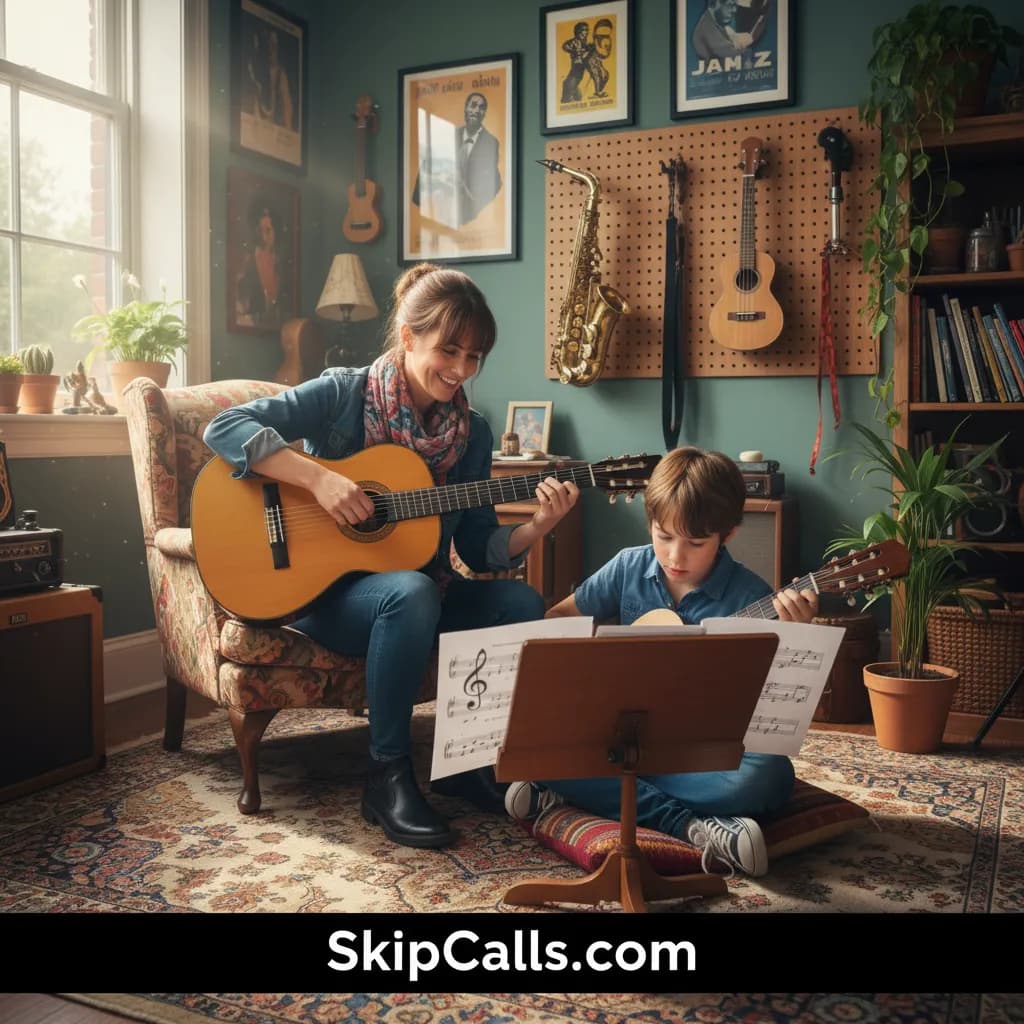
Yes—SkipCalls can auto-book weekly lesson slots by answering calls during your after-school rush and weekend blocks and booking directly into your connected calendar. SkipCalls can also follow up by text for confirmations and reminder-style messages (texts work when families use your SkipCalls number or reply to SkipCalls’ follow-up text).
SkipCalls works well for a music studio schedule because it answers calls when you’re teaching, your phone is on Do Not Disturb, or you simply can’t pick up mid-lesson, and then SkipCalls collects the student details and books into your calendar automatically. With SkipCalls call-forwarding, parents still dial your usual studio number, and SkipCalls only answers when you don’t—so you keep your existing number and stop losing $30–$80/week lesson leads to the fastest-responding teacher.
SkipCalls fits the after-school rush (roughly 3–8pm) by acting like a music studio receptionist: it can offer only the slots you allow, confirm location/format (in-studio vs Zoom), capture the student’s instrument/level, and lock the weekly recurring time you prefer. With SkipCalls, a single captured monthly package lead ($200–$500/month) can cover the service cost many times over, especially when parents call during rehearsals, carpools, or evenings when they won’t leave voicemail.
SkipCalls can handle reminders via SMS in a practical way for studios: if you give out your SkipCalls number as your “official lesson line,” SkipCalls can send and manage reminder texts directly, and you can jump in anytime. If you prefer call-forwarding to keep your personal number, SkipCalls can still text the caller after the call (“Reply here with any questions”) and then continue the conversation on SMS from that point—so SkipCalls can confirm weekly slots, share studio policies, and reduce no-shows during weekend lesson blocks.
How SkipCalls Helps Music Teachers
AI Receptionist + call-forwarding to your existing number (answers only when you can’t).
During the after-school rush, SkipCalls answers missed/busy calls so parents don’t hit voicemail and move on to another teacher.
Automatic Booking (books directly into your calendar).
When a parent wants a standing weekly slot (e.g., Tuesdays 4:30pm), SkipCalls can confirm availability and place the booking in your connected calendar.
SMS handling with full conversation history + optional “AI asks you first” control.
For weekend lessons and reschedules, SkipCalls can continue by text so families can confirm times without calling you during recitals or teaching.
Post-call summary + full transcript + extracted action items.
When you’re practicing or teaching in a noisy room, SkipCalls ensures you still get the exact details you’d normally miss on a hurried callback.
Frequently Asked Questions
How does SkipCalls book weekly lesson slots—does it support recurring weekly lessons?
SkipCalls can auto-book a weekly lesson slot by offering approved time windows and booking into your connected calendar as the confirmed standing time; with SkipCalls you can define rules like lesson length (30/45/60 minutes), buffers, and which days are allowed for after-school and weekends. SkipCalls will capture the student’s details (instrument, level, preferred days) and confirm the weekly slot before booking so your studio schedule stays consistent.
Can SkipCalls send automatic lesson reminders by text?
SkipCalls can send reminder-style texts when families are texting with SkipCalls—either because you publish your SkipCalls number as your studio line, or because the family replies to SkipCalls’ post-call follow-up text. Since carriers don’t forward SMS, SkipCalls reminder texts won’t come from your personal number unless you route texting through your SkipCalls number.
Do I have to change my studio phone number to use SkipCalls?
No—SkipCalls works by call forwarding, so families can keep calling your existing studio number and SkipCalls answers only when you miss the call, you’re busy, or you set after-hours/weekend rules. If you want instant answering plus full two-way texting for reminders, you can optionally give out your SkipCalls number as your published business line.
What happens if SkipCalls isn’t sure which slot to book during a busy season (back-to-school or pre-recital weeks)?
SkipCalls will ask the caller clarifying questions, and if it still can’t safely book, SkipCalls will take a message, avoid making promises, and send you the summary and transcript so you can confirm the best slot. You can then update SkipCalls receptionist settings (scripts, allowed times, policies) to tighten booking behavior for peak weeks.
How fast can I set up SkipCalls for my studio’s after-school + weekend schedule?
SkipCalls setup typically takes under 60 seconds: install SkipCalls, connect your calendar for auto-booking, and enable conditional call forwarding for missed/busy calls or for specific after-hours/weekend windows. SkipCalls then answers immediately when you’re teaching and sends you a searchable record of every inquiry.
Set SkipCalls to book lessons while you teach—then let it confirm by text.
Turn on SkipCalls call forwarding for missed/busy calls during your after-school rush and weekends, connect your calendar for auto-booking, and publish your SkipCalls number if you want true SMS reminders—so you capture every $30–$80 weekly lesson lead without interrupting lessons.


Related Questions
- →Can SkipCalls handle trial lesson scheduling and convert it into a recurring weekly slot?
- →Can SkipCalls screen spam and robocalls so my studio line stays clean?
- →Can SkipCalls collect instrument/level, parent contact info, and studio policy agreement before booking?
- →Can SkipCalls manage rescheduling and cancellations for weekend lessons by text?