
can SkipCalls auto-book oil change or brake job appointments from missed calls after hours (and send the customer a text)?
Yes—SkipCalls can answer missed after-hours calls, collect the oil change or brake job details, and book an appointment directly on your calendar, then send the customer a follow-up text from the SkipCalls number. SkipCalls does this by using call forwarding for missed/busy/after-hours calls and automated SMS follow-up after the call ends.
SkipCalls can auto-book oil change and brake job appointments from missed calls after hours by acting as your 24/7 AI receptionist whenever you don’t pick up, your line is busy, or your shop is closed. SkipCalls answers the call like a real front-desk assistant, asks the right shop questions (vehicle, symptoms, preferred time), and books the appointment into your connected calendar so you wake up to a scheduled job instead of a missed voicemail.
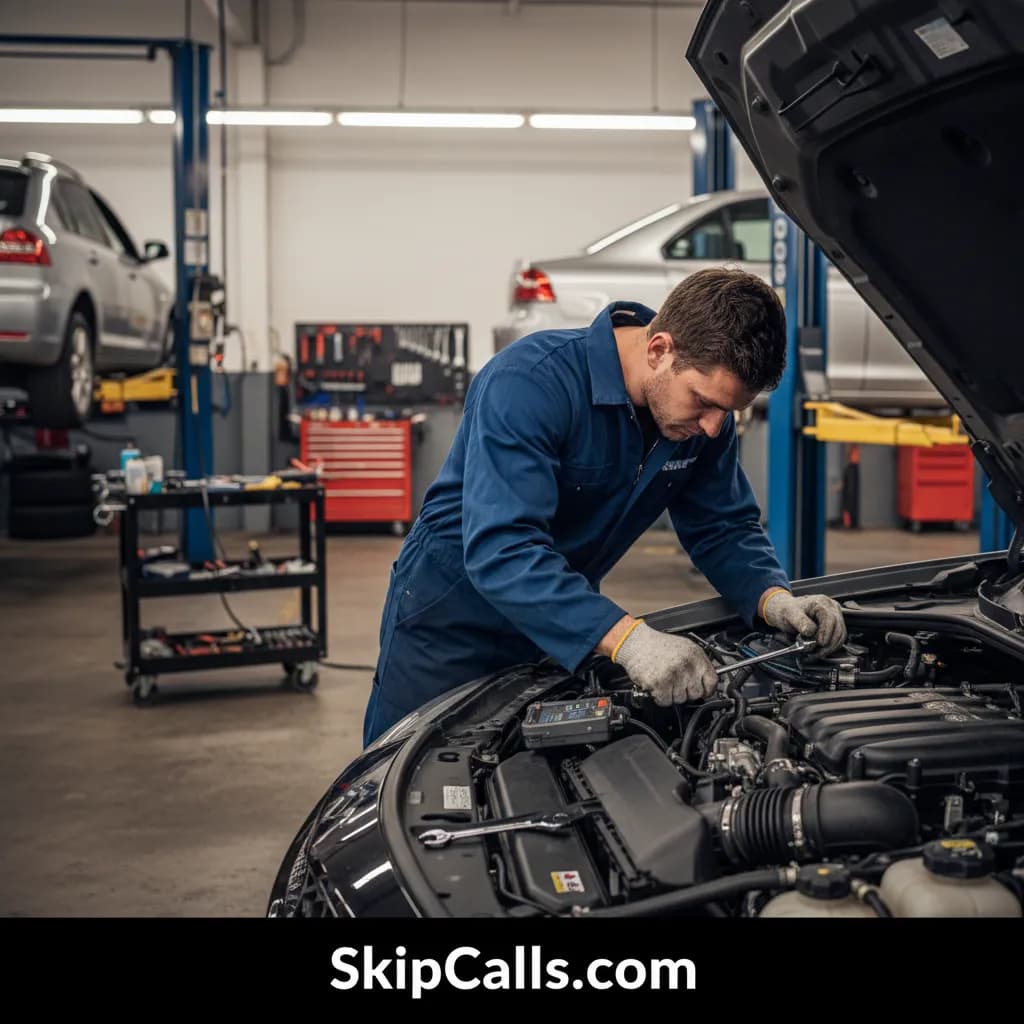
SkipCalls fits real auto repair shop conditions—greasy hands, loud air tools, and safety-first work where you can’t stop to answer. With SkipCalls handling after-hours and “phone busy” calls, you reduce the biggest leak in the funnel: emergency-minded drivers who will call the next mechanic if you don’t answer in seconds. One captured brake job ($300–$800) or even an oil change ($50–$100) can cover SkipCalls many times over, especially when after-hours calls would otherwise go to voicemail.
SkipCalls can also send the customer a text after the call so they have a written confirmation and an easy way to reply with details (plate/VIN, photos, preferred drop-off time). SkipCalls is designed so texts work through the SkipCalls number (not call forwarding), which is why SkipCalls automatically follows up by SMS after it answers the forwarded call—then the customer can reply to that text thread and SkipCalls can keep handling the conversation while you’re under the car.
How SkipCalls Helps Auto Repair Shops
AI Receptionist + after-hours call forwarding (missed/busy/offline/weekend rules)
When your shop is closed, SkipCalls answers missed and after-hours calls via call forwarding so customers still reach a ‘live’ receptionist.
Automatic Booking into your calendar (appointment scheduling)
When a caller wants an oil change or brake job, SkipCalls can lock a time without waking you up by writing directly to your schedule.
Automatic SMS follow-up + SMS handling with full conversation history
After the call, SkipCalls sends a text confirmation so the driver has your info in writing and can reply with extra details.
Spam filtering + call summaries/transcripts
If the call is a robocall or spammer, SkipCalls can filter it so you only review real customer leads.
Frequently Asked Questions
How does SkipCalls answer missed calls after hours if customers dial my normal shop number?
SkipCalls keeps your existing shop number and uses call forwarding so when you don’t answer (or it’s after-hours), the call routes to SkipCalls in the background; SkipCalls answers as your shop and sends you a summary and transcript afterward.
Can SkipCalls really book an oil change or brake job appointment automatically, or does it just take a message?
SkipCalls can do either: you can configure SkipCalls to book directly on your connected calendar for oil changes and brake jobs, or have SkipCalls capture details and request confirmation if you prefer to approve certain jobs before finalizing.
Will the customer get a text confirmation even if they called my regular number?
Yes—after SkipCalls answers the forwarded call, SkipCalls can automatically text the caller from the SkipCalls number; the customer can reply to that text thread and SkipCalls can continue the conversation by SMS.
What details can SkipCalls capture for a brake job call so I’m not guessing later?
SkipCalls can ask for vehicle year/make/model, whether it’s front/rear/both, symptoms (grinding, squeal, pulsation), urgency (safe to drive or needs tow), preferred appointment window, and best callback number—then sends it all in a SkipCalls summary with the full transcript.
How fast can an auto repair shop set up SkipCalls for after-hours booking?
Most auto repair shops can set up SkipCalls in under 60 seconds by enabling call forwarding rules and adding basic shop info (hours, services like oil changes/brake jobs, booking preferences); SkipCalls then starts answering and booking immediately.
Turn missed after-hours calls into booked oil changes and brake jobs
Set up SkipCalls in about a minute, forward missed/after-hours calls, connect your calendar, and let SkipCalls book appointments and text confirmations automatically—so emergency callers don’t jump to the next mechanic who answers first.


Related Questions
- →Does SkipCalls work with my carrier and existing shop phone number?
- →Can SkipCalls handle emergency ‘won’t start’ calls and collect tow details?
- →Can SkipCalls ask for VIN/plate and store it in the call summary?
- →How much does SkipCalls cost compared to an auto repair receptionist?