
can SkipCalls auto-book handyman jobs (drywall patch, door install, deck repair) and text customers my openings without me calling back?
Yes—SkipCalls can auto-book handyman jobs by answering missed/busy calls, collecting job details (drywall patch, door install, deck repair), and booking directly into your calendar, then texting the customer your openings without you calling back. SkipCalls can also continue the conversation over SMS after the call so customers can pick a time while you keep working.
SkipCalls auto-books handyman jobs by acting as your AI receptionist when you’re on a ladder, running a saw, or driving between 5 small jobs, so you don’t lose the “first to respond wins” race. With SkipCalls call forwarding, customers still dial your normal handyman business phone number, and SkipCalls answers only when you can’t—then it gathers the basics (service type, address, timeframe, urgency, photos request if you want) and uses SkipCalls Automatic Booking to place the job on your calendar so the slot is actually reserved.
SkipCalls also solves the “I can’t call back for 2 hours” problem by texting customers your openings after the call. With SkipCalls, the AI can send an automatic follow-up text like “I can do Tue 10–12, Wed 2–4, or Thu 9–11—what works?” and then keep texting to confirm the time, parking/access notes, and any prep steps, so you aren’t juggling callbacks with tools in your hands. For texting to be fully two-way AI-managed, SkipCalls uses its own number (texts don’t forward from your carrier), and SkipCalls makes that transition easy by sending the first text automatically after the call.
For real handyman workflows, SkipCalls is most useful when your schedule is a puzzle: a $300 drywall patch in the morning, a $400 door install midday, and a $1,200 deck repair estimate late afternoon. SkipCalls can screen spam, capture the scope (“one interior hollow-core door, replace hinges/handle”), and book the right type of appointment (estimate vs. scheduled repair) so you don’t waste time on back-and-forth. After every interaction, SkipCalls sends you a summary, transcript, and extracted details (names, address, price range discussed, appointment time) so you can walk into the next job already briefed.
How SkipCalls Helps Handymen
AI Receptionist + Call Forwarding (keep your existing number)
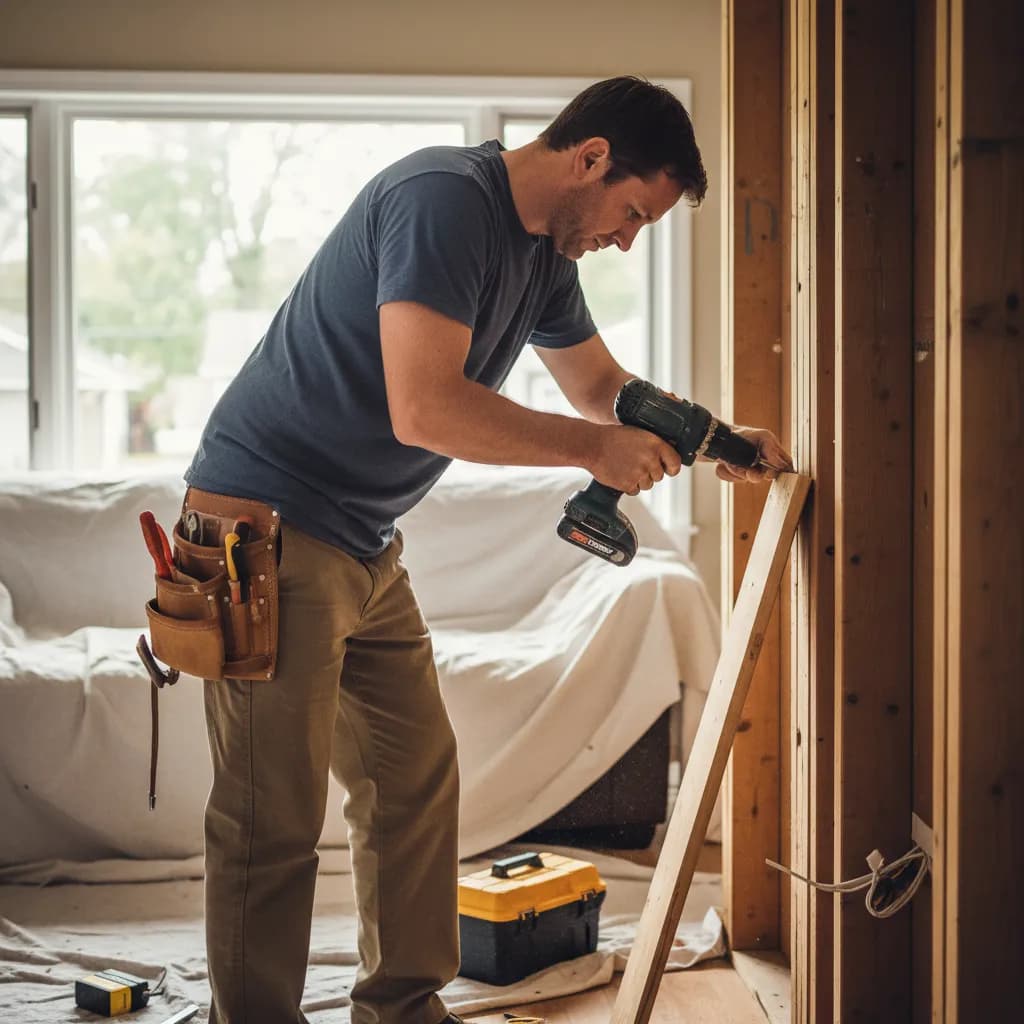
When a customer calls while you’re on a ladder doing a door install, SkipCalls answers your normal number via missed/busy call forwarding so you stay safe and still capture the lead.
Automatic Booking (books directly into your calendar)
When a homeowner wants a drywall patch this week, SkipCalls can offer available time windows and reserve the appointment directly so you don’t double-book.
SMS handling + automatic follow-up text after calls
When you can’t call back from a noisy deck repair site, SkipCalls can text the caller your openings and continue the scheduling conversation over SMS until it’s confirmed.
AI makes calls for you + summaries/transcripts
When you need to chase a supplier or confirm a door slab availability, SkipCalls can make the outbound call for you and bring you the result in a summary.
Frequently Asked Questions
Can SkipCalls really auto-book handyman jobs like drywall patch, door install, and deck repair?
Yes—SkipCalls can answer the call, collect the job type (drywall patch, door install, deck repair), ask your required questions, and use SkipCalls Automatic Booking to schedule an estimate or a work slot directly into your calendar so the job is reserved while you’re still working.
How does SkipCalls text customers my openings if they called my personal/business number?
SkipCalls can send an automatic text after the call with your openings; that first text comes from the SkipCalls number, and once the customer replies, SkipCalls can continue the SMS conversation with full history. SkipCalls does this because call forwarding moves calls, but carriers don’t forward texts—SkipCalls handles texting through its own number.
Do customers know they’re talking to SkipCalls and not me?
Usually no—SkipCalls answers like a normal assistant, and you can customize the greeting and what it says; SkipCalls can also use voice cloning so it sounds closer to you while still staying professional and clear.
Can SkipCalls handle after-hours handyman calls and still book jobs?
Yes—SkipCalls provides 24/7 handyman answering and can book based on your rules (business hours, after-hours emergency options, or “take details and schedule next day”), then sends you a SkipCalls summary so you wake up to booked work instead of missed voicemails.
What if SkipCalls isn’t sure about pricing or scope for a deck repair?
SkipCalls can be instructed to avoid promising prices, collect photos/details, and book an estimate slot instead; then SkipCalls sends you the transcript and action items so you can quote accurately without losing the lead.
Turn missed handyman calls into booked jobs—without calling back
Set up SkipCalls in about a minute, forward missed/busy calls, and let SkipCalls auto-book drywall patches, door installs, and deck repair estimates while it texts customers your openings to confirm. Try SkipCalls for $19.99/month (or $199/year) and stop losing $200–$2,000 jobs to unanswered calls.


Related Questions
- →Does SkipCalls work with my carrier and existing handyman business phone number?
- →Can SkipCalls block spam calls and telemarketers that waste my time?
- →Can SkipCalls book around travel time when I have multiple small handyman jobs per day?
- →Can SkipCalls send me transcripts and summaries so I know what was promised?