
can SkipCalls auto-book HVAC service calls (AC no-cool / no-heat) and text the customer the appointment while I’m running gauges?
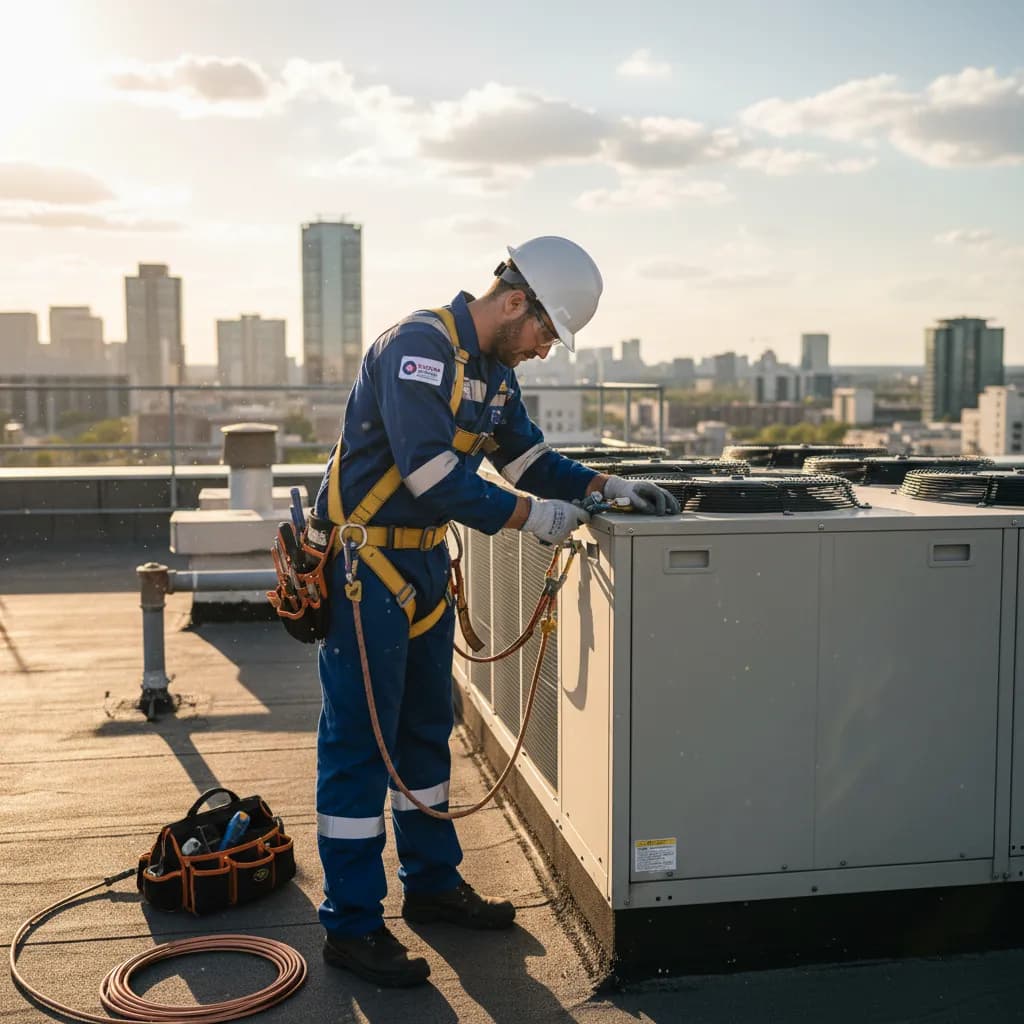
Yes—SkipCalls can answer AC no‑cool/no‑heat calls, collect the right troubleshooting details, auto-book the service slot on your calendar, and send the customer an appointment text confirmation while you’re running gauges and can’t touch your phone.
SkipCalls works by forwarding missed or busy calls from your existing HVAC number to the SkipCalls AI receptionist, so customers still dial your normal phone line while SkipCalls quietly picks up when you can’t. SkipCalls can qualify true emergencies (no heat with a baby at home, AC dead during a heatwave), capture address/equipment details, and book the call directly into your calendar so you don’t lose a $200–$800 emergency to the next company that answers first.
In the real HVAC tech moments where you miss calls—charging a system with gloves on, recovering refrigerant, or sweating in a 140°F attic—SkipCalls keeps the phone covered and sends you a summary + transcript after the call so you know exactly what was booked. SkipCalls also supports after-hours rules, so the AI receptionist can book next-available slots overnight and you wake up with confirmed jobs instead of voicemails.
SkipCalls can also text the customer the appointment details, but the texting path depends on setup: SkipCalls can send an automatic post-call text from the SkipCalls number (so the customer can reply there), and if you want full two-way SMS handling by SkipCalls from the start, you’ll give customers your SkipCalls number as your business text line. With either approach, SkipCalls reduces back-and-forth and locks in the appointment while you stay focused on safe, correct HVAC work.
How SkipCalls Helps HVAC Technicians
AI Receptionist + call forwarding (keep your existing number)
When you’re on a rooftop unit with compressors screaming and your phone is on Do Not Disturb, SkipCalls can answer missed/busy calls via call forwarding so you still capture the no-cool lead.
Automatic Booking (calendar scheduling)
When a no-heat caller is calling three companies at 7:30pm, SkipCalls can book an emergency slot directly on your calendar and stop the customer from moving on.
Automatic summaries, transcripts, and extracted action items
When you finish charging refrigerant and need the job details fast, SkipCalls sends a clean summary and full transcript so you can roll with the right parts and expectations.
SMS handling + automatic post-call follow-up text
When you want the customer to have written confirmation without you touching your phone, SkipCalls can send an automatic text confirmation from the SkipCalls number after the call.
Spam filtering
When your line is getting hammered on the first 95°F day and robocalls mix in with real homeowners, SkipCalls filters spam so real HVAC emergencies get handled first.
Frequently Asked Questions
Does SkipCalls really book HVAC appointments automatically, or does it just take a message?
SkipCalls can do both: as an HVAC answering service, SkipCalls can take complete call details and, if you connect your calendar and set booking rules, SkipCalls can auto-book the appointment and send you the confirmation in a summary with the time, address, and reason (no-cool/no-heat).
Will customers know SkipCalls is answering instead of me?
With call forwarding, customers dial your normal HVAC number and SkipCalls answers like a human receptionist; most callers don’t notice anything unusual, and SkipCalls can also use voice options (including voice cloning) so the experience feels consistent.
Can SkipCalls text the customer the appointment confirmation automatically?
Yes—SkipCalls can send an automatic text from the SkipCalls number after the call with the booked appointment details, and the customer can reply to that text thread; if you want SkipCalls to handle two-way texting from the very first message, you’ll give customers your SkipCalls number as the text line because carriers don’t forward SMS via call forwarding.
What info can SkipCalls collect for an AC no-cool or furnace no-heat call?
SkipCalls can collect the essentials you’d normally ask while doing HVAC phone answering: address, callback number, equipment type (AC/heat pump/furnace), symptoms (no cool/no heat, short cycling, breaker trips), urgency (elderly/baby/no heat), and preferred time window, then book the slot and send you the summary and transcript.
How fast can I set up SkipCalls for my HVAC business, and what does it cost?
SkipCalls is typically a 1-minute setup: enable call forwarding for missed/busy calls and set your booking rules; SkipCalls pricing is $19.99/month or $199/year with no per-minute billing, and one captured $200–$800 emergency call can pay for SkipCalls for months.
Set up SkipCalls in minutes so no-cool/no-heat calls get booked while you’re on gauges
Turn on missed/busy call forwarding to SkipCalls, connect your calendar for automatic booking, and enable the SkipCalls post-call text confirmation so customers get the appointment in writing while you keep your hands on the job.


Related Questions
- →How do I forward missed HVAC calls to SkipCalls without changing my business number?
- →Can SkipCalls prioritize emergency no-heat calls after hours and book the first available slot?
- →Does SkipCalls work if my phone is offline in basements or mechanical rooms?
- →Can SkipCalls handle HVAC texts and estimate requests in addition to phone calls?