
how do hvac techs answer calls in an attic when you’ve got gauges on and can’t touch your phone
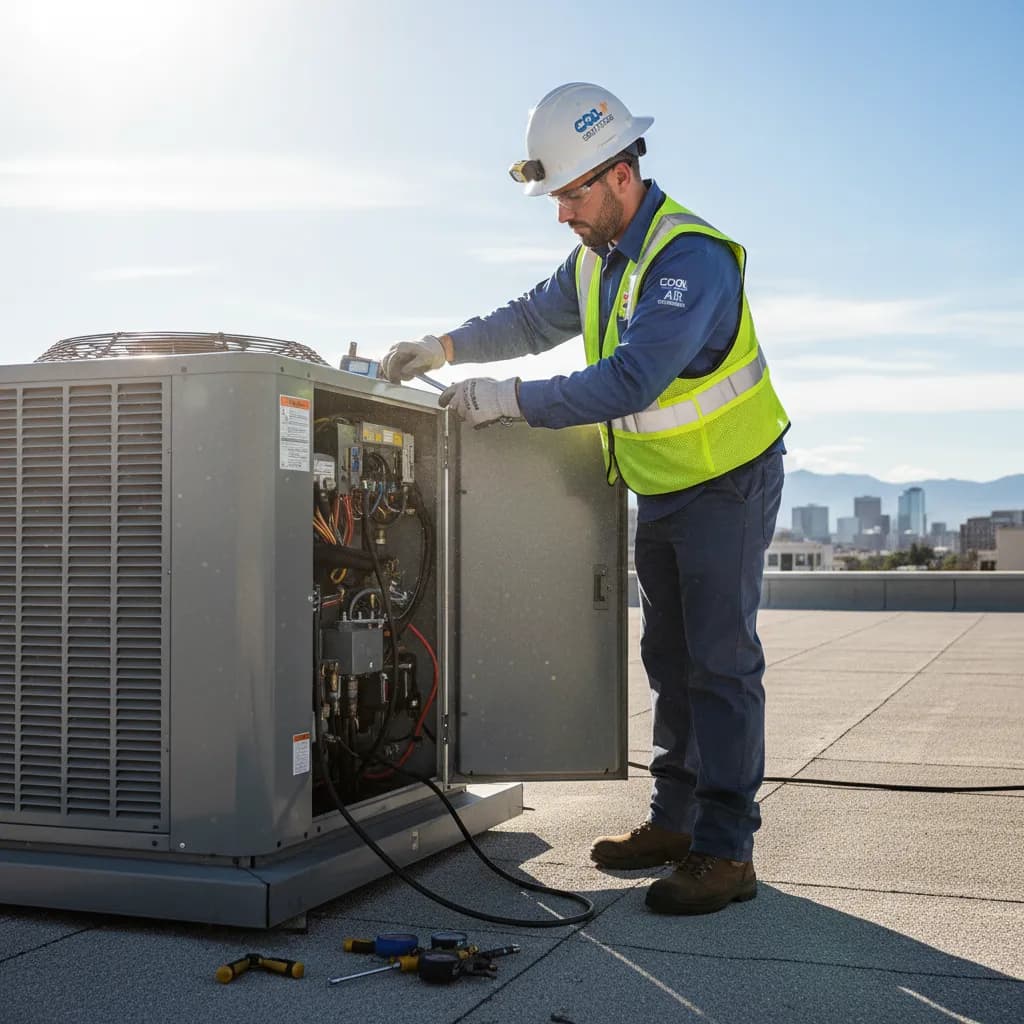
HVAC techs answer calls in an attic when they can’t touch their phone by forwarding missed/busy calls to SkipCalls, so SkipCalls’ AI receptionist answers, captures the job details, and sends a summary (and can even book the visit) while the tech keeps both hands on the gauges.
In real HVAC work, you can’t safely stop mid-charge or recovery just to swipe a screen, and in a 140°F attic you’re managing heat stress while compressors and blowers drown out ringtones—so the practical fix is letting SkipCalls answer for you whenever you don’t pick up. With SkipCalls call forwarding, customers still dial your normal number, and SkipCalls’ AI receptionist picks up only when you’re busy, offline, or after-hours, so you don’t lose the “first to answer wins” race on $200–$800 emergency AC repair calls.
SkipCalls fits the way HVAC calls actually come in: the first hot day of summer means 20–50 rings you can’t return fast enough, and the caller won’t leave a voicemail—they’ll call the next contractor. SkipCalls handles unlimited concurrent calls in normal use, filters obvious spam, and collects the exact info you’d ask (name, address, unit type, “no cool/no heat,” error codes, water leak, burning smell), then delivers a readable summary and full transcript so you can call back between jobs with the right parts and priority.
SkipCalls also prevents missed big-ticket installs when you’re pinned in a crawl space: system replacement quotes ($6,000–$15,000) usually go to the company that responds first and sounds organized. SkipCalls can qualify replacement leads, answer basic questions, and schedule an estimate using your calendar, so even if you’re on a rooftop with gloves on, you still get the appointment—and you can review SkipCalls transcripts later to confirm tonnage, existing system age, and timing expectations.
How SkipCalls Helps HVAC Technicians
Call forwarding setup (missed/busy/offline/after-hours) + AI Receptionist that answers like a human assistant while you keep your existing number
When you’re in an attic with refrigerant gauges connected and can’t interrupt the process, SkipCalls can answer every missed or busy call via call forwarding so the customer doesn’t hit voicemail.
Unlimited concurrent call handling in normal use + lead capture (name, address, issue, urgency) with instant summaries
When the first 95°F day triggers nonstop “AC down” calls, SkipCalls can handle multiple callers back-to-back and capture each lead instead of losing $200–$800 emergency jobs to competitors.
Custom receptionist scripts + automatic booking into your calendar + post-call summary/transcript for fast triage
When a homeowner calls about “no heat” at 15°F or a carbon monoxide concern, SkipCalls can prioritize the situation, gather safety details, and book the emergency slot while you’re still on a job.
Spam filtering + searchable call history with transcripts and daily recaps
When your phone is full of robocalls during peak season, SkipCalls can screen obvious spam so real HVAC customers get answered faster.
AI makes calls for you + Hold-For-You + outbound call summary/transcript
When you need to call a supply house but can’t wait on hold between service calls, SkipCalls can make the outbound call for you and return with the info.
Frequently Asked Questions
How do I answer HVAC calls while I’m charging or recovering refrigerant and can’t touch my phone?
Use SkipCalls with call forwarding so when you don’t pick up, SkipCalls’ AI receptionist answers, collects the callback details, and sends you a summary—your hands stay on the gauges and you still capture the $200–$800 repair lead.
Will customers know I’m using SkipCalls instead of me answering?
With SkipCalls call forwarding, customers dial your normal number and the call is answered seamlessly; SkipCalls’ AI receptionist speaks naturally like a real assistant, and many callers won’t realize it’s AI.
Can SkipCalls book emergency HVAC visits or replacement estimates automatically?
Yes—SkipCalls can schedule into your calendar and confirm times while you’re on a rooftop or in an attic, and SkipCalls sends you the transcript so you can verify details like address, symptoms, and urgency.
Does SkipCalls work if my phone has no signal in basements, mechanical rooms, or attics?
Yes—SkipCalls can answer when your phone is offline if you enable the right forwarding rules, so callers still reach SkipCalls’ AI receptionist even when your device can’t receive the call.
Can SkipCalls handle texts from customers who prefer SMS after the call?
SkipCalls can text the caller after the call and continue the conversation on the SkipCalls number; to have SkipCalls reply to inbound texts from the start, you’d share your SkipCalls number as your business text line (texts don’t forward like calls).
Stop losing attic-time calls—capture the next $500 emergency while you finish the job
Set up SkipCalls in minutes with missed/busy call forwarding so SkipCalls answers when you can’t, collects the details, and sends you a clean summary or books the slot—perfect for 140°F attics, rooftop units, and gauge-in-hand work where touching your phone isn’t an option.


Related Questions
- →How many HVAC jobs do I lose from missed calls during the first heat wave, and what’s that worth?
- →What should an HVAC answering service ask to qualify an emergency vs a maintenance call, and can SkipCalls do it?
- →How do I set call forwarding so SkipCalls only answers when I’m busy or after hours?
- →Can SkipCalls replace voicemail with transcripts and summaries so I don’t waste time replaying messages?