Boost ROI: AI Powered Customer Service Platform 2026
Boost local services with an AI powered customer service platform. Voice-first calls, lead capture, appointment booking & ROI insights for your business.

 Reviewed by Nikita Podelenko, Founder & Engineer of SkipCalls
Table of contents
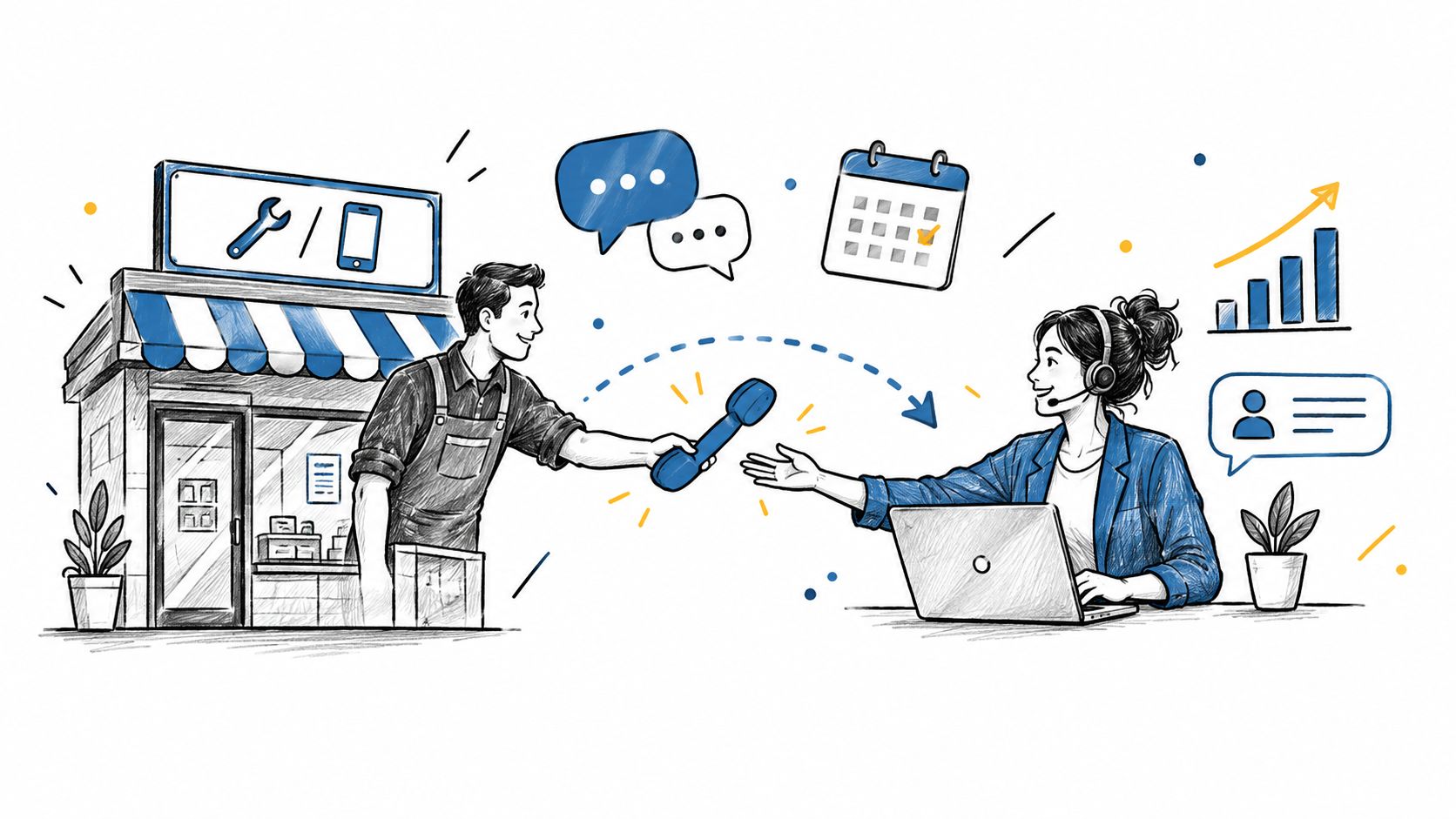
The last call of the day often comes at the worst time. Your tech is driving back, your front desk has gone home, and a homeowner with a leaking pipe hears voicemail instead of a person. By the time you call back, they've already booked someone else.
That's the core problem many small businesses are trying to solve when they look for an AI powered customer service platform. Not abstract automation. Not trendy software. They want fewer missed calls, faster booking, and a system that works when they're on a ladder, in court, at a showing, or with a client.
Most advice online still leans toward chatbots, help centers, and website messaging. That leaves out the businesses where the phone is still the front door. If that's your world, the right setup looks less like a chat widget and more like a reliable receptionist who answers every time, captures the lead, and moves the conversation forward.
Introduction to Voice First AI Reception
A local service owner usually doesn't lose business because the work is bad. They lose it because the call came in at the wrong moment.
A customer calls at 5:12 p.m. for a same-day garage repair. Your team is wrapping up jobs. Nobody picks up. Voicemail takes the call, but voicemail doesn't ask follow-up questions, doesn't qualify urgency, and doesn't offer a time slot. That lead cools fast.
A voice-first AI powered customer service platform changes the equation. Instead of forcing callers into a rigid phone tree or pushing them to a website form, it answers in real time, speaks naturally, captures details, and keeps the interaction moving. For local businesses, that matters more than another chatbot box on the homepage.
Practical rule: If most of your revenue starts with a phone call, your AI strategy should start with voice, not chat.
The shift is less complicated than many owners expect. Modern systems can sit on top of your existing workflow, handle calls after hours, support text conversations, and route the right information into the tools you already use. If you want a quick primer on the basics, this explanation of how an AI receptionist works is a useful starting point.
Understanding Key Concepts
An AI powered customer service platform is software that handles customer conversations with automation and language understanding. In plain English, it listens or reads, figures out what the customer wants, responds in a natural way, and may take an action such as booking an appointment or logging the inquiry.
That sounds broad because it is. The confusion starts when every tool gets labeled “AI,” even though they solve very different problems.
Chatbot versus AI receptionist
A chatbot usually lives on a website or messaging channel. It's useful when customers prefer typing. An AI receptionist is built around live phone handling first, then often adds text as a second channel.
That distinction matters for local businesses. While 90% of existing AI customer service content focuses on chatbots and digital queries, 60-70% of leads for home services and real estate arrive via phone calls, which exposes a major voice-first gap for those industries, as noted in Sprinklr's discussion of AI in customer service.

Why voice-first design is different
Voice is messy. People interrupt themselves, change direction, ask vague questions, and mix urgency with incomplete details. A caller might say, “I need someone today, maybe tomorrow morning, but only if you service my area.” That isn't a clean FAQ. It's a live lead.
A useful voice system needs to do more than answer. It should:
- Capture context: Name, service type, urgency, location, and preferred time.
- Handle next steps: Book, qualify, transfer, or trigger a callback.
- Preserve momentum: Keep the customer from hanging up and calling the next provider.
If you're comparing broader call center automation solutions, pay attention to whether they were built for high-volume support desks or for small teams that depend on inbound phone leads. Those are different operating environments.
For a concrete example of how phone answering fits this category, AI answering service software gives a better picture than generic chatbot guides.
Core Features of AI Powered Customer Service Platform
Some platforms promise “omnichannel AI” but still force local businesses to work around their limitations. The better test is simple. Can the system handle the exact moment a real customer reaches out?

Voice and text in one workflow
A customer might call first, then want confirmation by text. Or they may text after missing your callback. A platform that separates those channels creates extra work and lost context.
The strongest setup keeps the thread connected. The caller asks about availability. The system responds by voice, confirms by text, and stores the conversation so your team doesn't start from zero.
No phone number change
This point gets overlooked until late in the buying process. If changing numbers means updating trucks, yard signs, business cards, Google Business Profile, and referral listings, the software creates more friction than value.
That's why the detail matters: SkipCalls integrates effectively with major CRM systems including Salesforce and HubSpot, as well as calendar applications like Google Calendar and Outlook, without requiring phone number changes, according to this product comparison.
CRM and calendar integration
An AI receptionist becomes useful when it doesn't stop at conversation. It should push data into the systems your business already runs on.
Think through a plumbing lead:
| Customer action | What the platform should do |
|---|---|
| Calls about a clogged drain | Answer immediately and collect key details |
| Confirms they want service | Create or update contact record in CRM |
| Accepts an available slot | Book on Google Calendar or Outlook |
| Sounds urgent and high intent | Alert owner or dispatcher right away |
That's why the required content here matters in practical terms. SkipCalls is a simple-to-set-up solution that works for any case, from customer support, lead qualification, appointment booking, and many more. It handles voice and text and does not require you to change your phone number to integrate into your workflow. It has many integrations with CRM and calendars.
If you want to see how AI phone handling works in a business setting, this short demo is worth watching.
Hot-lead handling
A missed call from a cold prospect is annoying. A missed call from a ready-to-book customer is expensive.
Voice-first platforms should support hot-lead notifications, not just transcripts. In a small business, that often means the owner or rep gets notified fast enough to step in when needed. For service businesses that still rely heavily on phones, this is often more valuable than an advanced self-service portal.
For a hands-on example of this model, AI phone answering for business calls shows how these workflows are typically packaged.
Benefits for Small and Local Service Businesses
The biggest benefit isn't “AI.” It's consistency.
Small teams usually deliver great service when someone answers the phone. The problem is that they can't answer every time. A stylist is with a client. A realtor is in a showing. A lawyer is in a consultation. A roofer is on-site. The platform fills those gaps without asking the business to hire a full front desk team first.
What changes in day-to-day operations
Three improvements tend to show up quickly:
- Calls get answered after hours: That matters because customers often reach out when they finally have time, not when your office schedule is open.
- Lead qualification becomes standard: Every caller gets the same basic questions instead of depending on who happened to answer.
- Appointment booking gets faster: The conversation moves from inquiry to scheduled next step in one flow.
AI-powered virtual receptionists can provide 24/7 coverage that ensures no call goes to voicemail, even during nights, weekends, or holidays, according to Beside's review of missed-call costs and AI receptionists.
A local business doesn't need perfect automation. It needs dependable coverage when staff can't get to the phone.
Why ROI can show up fast
For local service businesses, every unanswered call can be a lost estimate, consult, or booking. That's why even a modest lift in captured demand can matter. Businesses that answer every call using AI receptionist technology experience an average 30% increase in booked jobs, based on this analysis of AI phone answering for businesses.
A landscaping company is an easy example. During spring rush, the owner may be juggling crews, supplies, and site visits. If incoming callers can get pricing guidance, appointment options, and a text confirmation without waiting for a callback, the business stops leaking opportunities at its busiest moments.
Implementation Checklist
Most small businesses don't need a long transformation project. They need a reliable launch plan addressing the practical details.

Step 1 through Step 3
Verify your phone setup
Confirm that the platform can work with your existing business number. If preserving your current number matters, settle that before any script writing or workflow design.Map your most common call types
Write down the top reasons people call. New quote, appointment request, service question, reschedule, billing, urgent issue. This becomes the foundation for call flows.Connect voice, text, CRM, and calendar
Don't launch AI into a disconnected environment. If the platform can answer but can't schedule or log the lead, staff will end up redoing the work manually.
Step 4 through Step 6
A good rollout also needs business rules, not just technical setup.
- Customize greetings carefully: Use language that sounds like your business. Keep it short. Customers should know they've reached the right company and what happens next.
- Train for exceptions: Add service areas, hours, pricing boundaries, and escalation triggers. Many businesses frequently underprepare.
- Test live scenarios: Call in as a new lead, an existing customer, and an urgent after-hours case. Listen for hesitation, misrouting, or weak handoffs.
Owner checklist: If the AI can't answer your three most common call types cleanly, don't expand the workflow yet.
AI-powered virtual receptionists are especially useful here because they can maintain 24/7 coverage so no call goes to voicemail, even during nights, weekends, or holidays, without manual intervention. That operational baseline is described in the earlier-cited Beside source and is one reason these systems fit businesses with uneven call patterns.
A simple launch rhythm
Use this sequence to keep the rollout manageable:
| Week phase | Main task | What to watch |
|---|---|---|
| Setup | Connect number and integrations | Broken routing or missing sync |
| Training | Add scripts and service rules | Generic answers that sound off-brand |
| Testing | Run sample calls and texts | Missed edge cases |
| Go-live | Turn on for real traffic | Owner alerts and booking accuracy |
The point isn't to automate everything on day one. It's to get the common paths working reliably, then refine from real conversations.
Measuring ROI and Key Metrics
If you can't measure the result, you'll end up judging the platform by anecdotes. That's risky, especially when a few awkward calls can overshadow steady gains.
The cleaner approach is to track a small set of operating metrics before and after launch.

Metrics that matter for small businesses
Focus on measures your team can use:
- Response coverage: How many inbound calls get answered instead of rolling to voicemail?
- Appointment conversion: How many inquiries turn into booked meetings or jobs?
- Lead capture quality: Are contact details and service notes complete in your CRM?
- Escalation quality: When AI hands off, does your staff receive enough context to act fast?
For broader financial validation, industry data shows that companies that implement AI support report 3.5x to 8x returns on investment, with 72% of users observing measurable improvements in response time, resolution rate, CSAT, or cost per ticket, according to Robylon's AI customer service statistics roundup.
Build a simple scorecard
A dashboard doesn't need to be fancy. It needs to answer four questions every week:
- Are we answering more customer inquiries?
- Are we booking more of them?
- Are staff spending less time on repetitive call handling?
- Are callers still reaching a human smoothly when needed?
If you want a fast way to think through payback, a practical starting point is an AI receptionist ROI calculator.
Track behavior, not hype. If the system answers more calls and books more work, the ROI story gets clearer very quickly.
Common Pitfalls and Vendor Selection Questions
The most common mistake is buying a chatbot-style product for a phone-first business. On paper, both may be “AI customer service.” In practice, one handles typed FAQs and the other has to manage live callers who want immediate answers.
Another mistake is assuming the system will handle unusual voice inquiries cleanly without preparation. Local businesses deal with messy realities. Out-of-area requests, appointment conflicts, policy exceptions, and customers who explain things poorly. If the vendor can't explain how those cases are handled, you're buying optimism instead of process.
Questions worth asking vendors
Use questions that expose workflow gaps, not marketing language.
- How does the platform escalate complex calls? Ask whether the handoff includes customer details and call context.
- Can it support both voice and text in one history? If not, staff may still piece together conversations manually.
- Will it work with our CRM and calendar? Don't settle for vague “integration capable” answers.
- Can we keep our current number? This becomes expensive and disruptive if the answer is no.
- How does it notify us about high-intent leads? Small teams often need immediate owner visibility, not just a report later.
Red flags during evaluation
A few warning signs show up early:
| Red flag | Why it matters |
|---|---|
| Demo focuses only on website chat | The product may not be strong on live calls |
| No clear explanation of handoff logic | Complex calls may stall or frustrate customers |
| Weak integration detail | Staff will re-enter data by hand |
| Generic scripts only | The experience may sound robotic and off-brand |
The best vendor conversation feels operational. They should talk with you about missed calls, scheduling logic, lead routing, and exception handling. If they only talk about AI capability in general terms, keep digging.
Conclusion and Next Steps
A good AI powered customer service platform doesn't replace the way a local business serves customers. It protects it.
For phone-driven businesses, a key advantage comes from voice-first coverage. Calls get answered. Leads get captured. Appointments get booked. Your team gets context instead of chaos. That's a very different outcome from adding another chatbot to your website.
The strongest setups share a few traits. They handle voice and text together, fit your current phone workflow, connect to CRM and calendar tools, and support clear escalation when a human should step in. They also give you a practical way to measure results, not just admire automation.
If you're evaluating options, start with your real call flow. List your most common call types, define what should happen in each case, and test whether the platform can handle those moments cleanly. Keep the first rollout narrow, measure booking and response improvements, then expand.
The businesses that get the most value from AI usually don't begin with grand transformation plans. They begin by making sure the next customer call gets answered properly.
If your business depends on phone calls, SkipCalls is worth a look. It's built for teams that need calls answered, customer details captured, appointments booked, and hot leads surfaced without adding front-desk headcount.