How Small Service Businesses Can Use AI to Cut Admin Work
Learn which admin tasks AI can handle well in a small service business, when basic automation is enough, and how to test your first workflow in three steps.
How Can Small Service Businesses Use AI to Reduce Administrative Work?
If you choose the right tasks, AI can handle quotes, invoice entry, meeting notes, and customer emails.
This guide looks at eight admin tasks where AI can save your business time. You'll also find out when basic automation is enough and how to test your first workflow in three steps.
When Do You Need AI to Reduce Admin Work?
AI is useful when a task needs more flexibility than basic automation can provide.
AI can understand information, create content, and adjust its output to fit the situation. In contrast, automated workflows only follow set steps.
Here's what this looks like in practice:
With an automation tool, you can set up a workflow to send an appointment reminder at a particular time or copy booking details into your CRM. The workflow follows the rules you configure in advance.
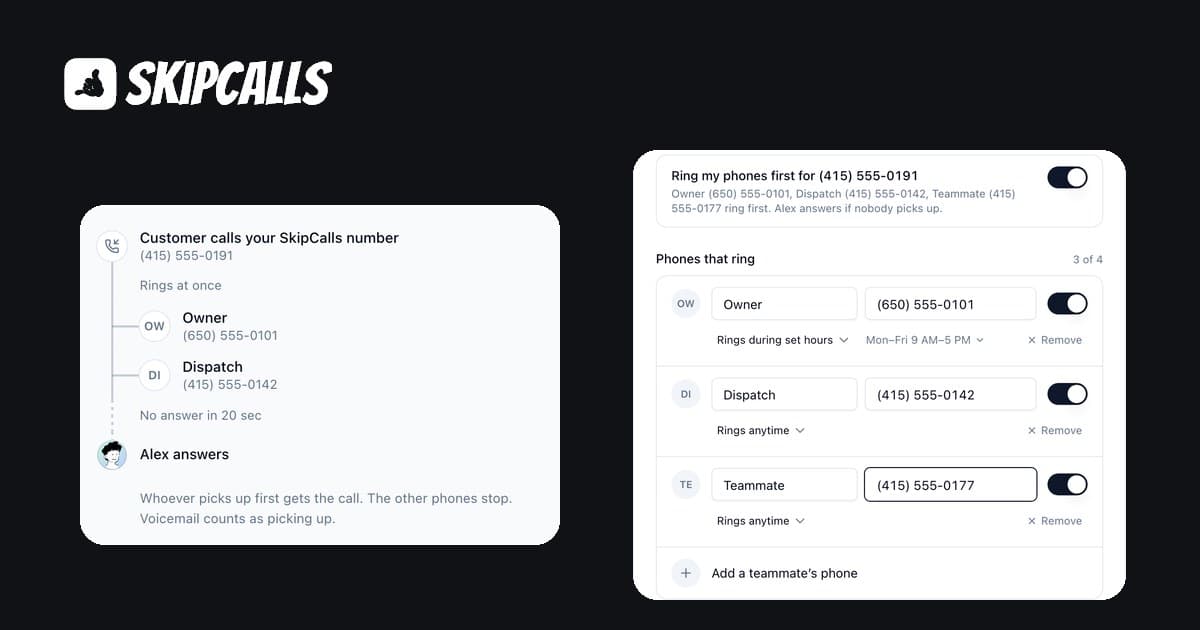
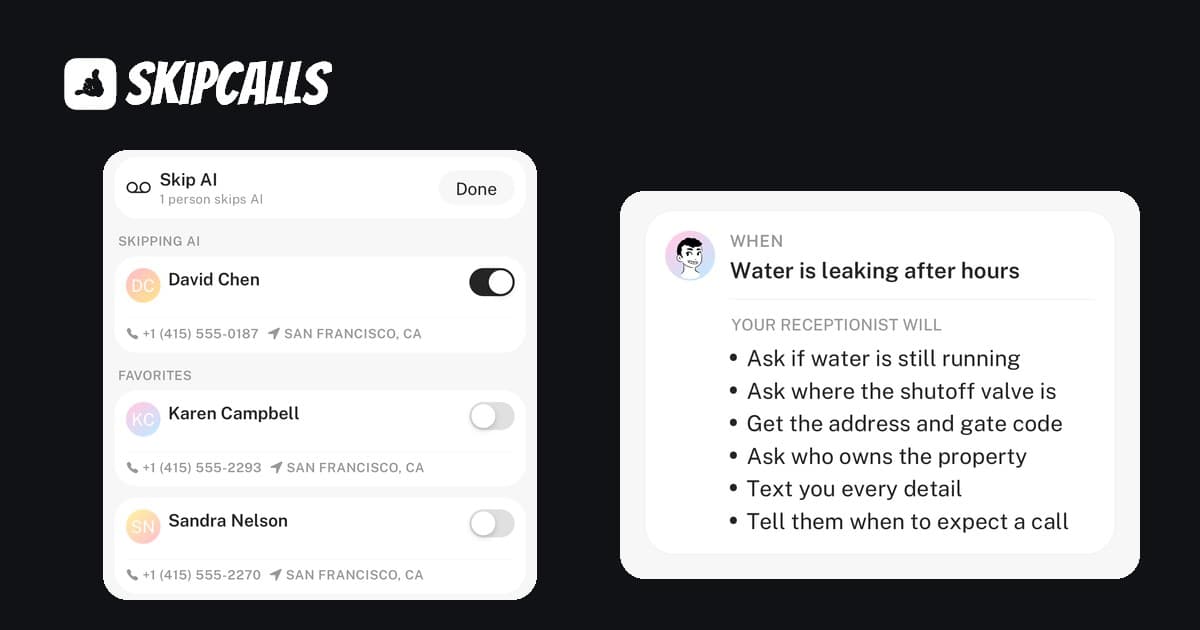
An AI-powered workflow can process more complex steps. For example, SkipCalls uses an AI receptionist to answer customer calls, understand callers' needs, check calendar availability, and book appointments. It can also send call summaries and sync customer information with connected business tools.
As you can see, AI is helpful for tasks with several steps that need different responses in different situations. If basic automation already works well for your admin tasks, you don't need to switch to AI.
How AI Can Help with Everyday Administrative Work
The following examples show how AI can help with daily admin tasks, such as answering customer questions and updating client records.
1. Answer Customer Questions
You can use AI to answer common customer questions on your website, by email, and over the phone.
A website chatbot can reply using details about your business. For email, AI can draft responses to customer messages for you to check and send.
Phone calls work in a similar way. For example, a virtual receptionist can answer your business number, find out what the caller needs, and book the job on your calendar. After each call, you get a text summary, and urgent cases are sent to a human customer service rep.
2. Schedule Appointments
An AI booking assistant can understand appointment requests and find open times in your calendar. When connected to your scheduling system, it can confirm bookings and send reminders automatically.
When a customer asks about availability, the assistant checks the live calendar and offers suitable times. Once the customer chooses a slot, the system books the appointment and sends a confirmation.
AI takes care of finding a good time, while regular scheduling rules manage confirmations and reminders.
3. Handle Customer Requests for Quotes
AI receptionist tools can handle quote requests when you're busy and gather the details you need to follow up.
For example, SkipCalls answers incoming calls and sends you a summary, so you can review the customer's request and prepare a quote without taking the call yourself.
4. Write Follow-Up Messages
You can add AI to your scheduling tool to send follow-up messages. The AI will personalize these messages using customer and job details.
Set clear rules for when each follow-up is sent and what details the AI can use. This way, messages stay relevant to each customer instead of being generic reminders.
5. Extract Data From Invoices and Receipts
AI document tools can read invoices and receipts from different suppliers and pull out key details like invoice numbers, dates, supplier names, and totals.
When you connect the tool to your accounting software, it can move those details into a bill for you to review and approve. This saves you from typing in each field by hand.
6. Organize Notes After Client Calls
An AI meeting assistant can transcribe client calls, sum up key decisions, and spot follow-up tasks.
AI can put the tasks into a list with owners and deadlines, so everyone knows what to do next. You can use the summary to write a recap email and share it with the client.
Let everyone know if you're recording the call and get their consent if needed. Recording laws vary by country and state, and some places require everyone on the call to agree.
7. Arrange Customer Information in Your CRM
Customer details are updated after every conversation. AI can help by checking emails and call summaries to find new information and update important details. It can suggest changes to CRM records for you to review and approve, so your team spends less time editing records.
8. Update Task Information
AI can turn incoming customer requests into tasks without anyone sorting messages by hand. It reads the request, figures out the type of work and how urgent it is, and sends that information to an automation workflow.
The workflow then creates a task in the right app, assigns it to the right person based on your rules, and sends a confirmation to the customer. This lets your team focus on the work instead of sorting through every request.
How to Set Up AI Workflows to Reduce Admin Work in 3 Steps
Begin with one admin task, see if AI saves you time, and only add more if the results are worth it.
Step 1: Choose a Task that Takes Up the Most Time
List the administrative tasks you handle each week, such as replying to customer emails, scheduling appointments, or entering invoice details.
Keep track of how long each task takes and how often you do it. This helps you spot tasks that use up a lot of time but follow the same steps each time.
Pick a task where AI can handle a clear part of the work and you can easily check the results. For example, AI can write replies to common customer questions, and you can review them before sending.
Don't use AI for tasks like approving payments or making big decisions until you've tested the workflow and know how to check its results.
Step 2: Choose a Tool and Test the Workflow
First, see if your current software already has AI features that can help with the task.
For example, Mac users can use built-in Apple Intelligence features for writing assistance and everyday tasks without subscribing to a separate AI tool. These features suit individual tasks better than workflows that need to coordinate several business apps. This review explores how the updated Siri AI helps with daily tasks.
If you need to connect several apps, pick an AI automation tool that works with them. Decide what the workflow should do, what information it needs, and which steps need your approval. Test it on real tasks and make sure the results are right before you rely on it.
Step 3: Measure the Result
Compare how long the task took before and after using AI. Remember to include the time you spend checking results, fixing mistakes, and any subscription costs.
Stick with the workflow if it saves you time and keeps your work quality high. If checking and fixing AI output takes longer than doing the task yourself, change the setup or try another tool before using it for more tasks.
Where to Go From Here
Small service businesses can use AI to cut down on admin work, but the main goal is to solve real problems, not just add more tools to manage.
Begin with the tasks that take up the most time and fit your business best. Try one workflow to see if AI really makes things easier. If it saves time without adding extra work, gradually use AI for other tasks.
Finally, don't just follow trends. AI is getting a lot of attention, but using it just because others are won't automatically make your work easier.