
SkipCalls reviews for locksmith business — does it actually stop missed lockout calls when you’re under a dash or rekeying on site?
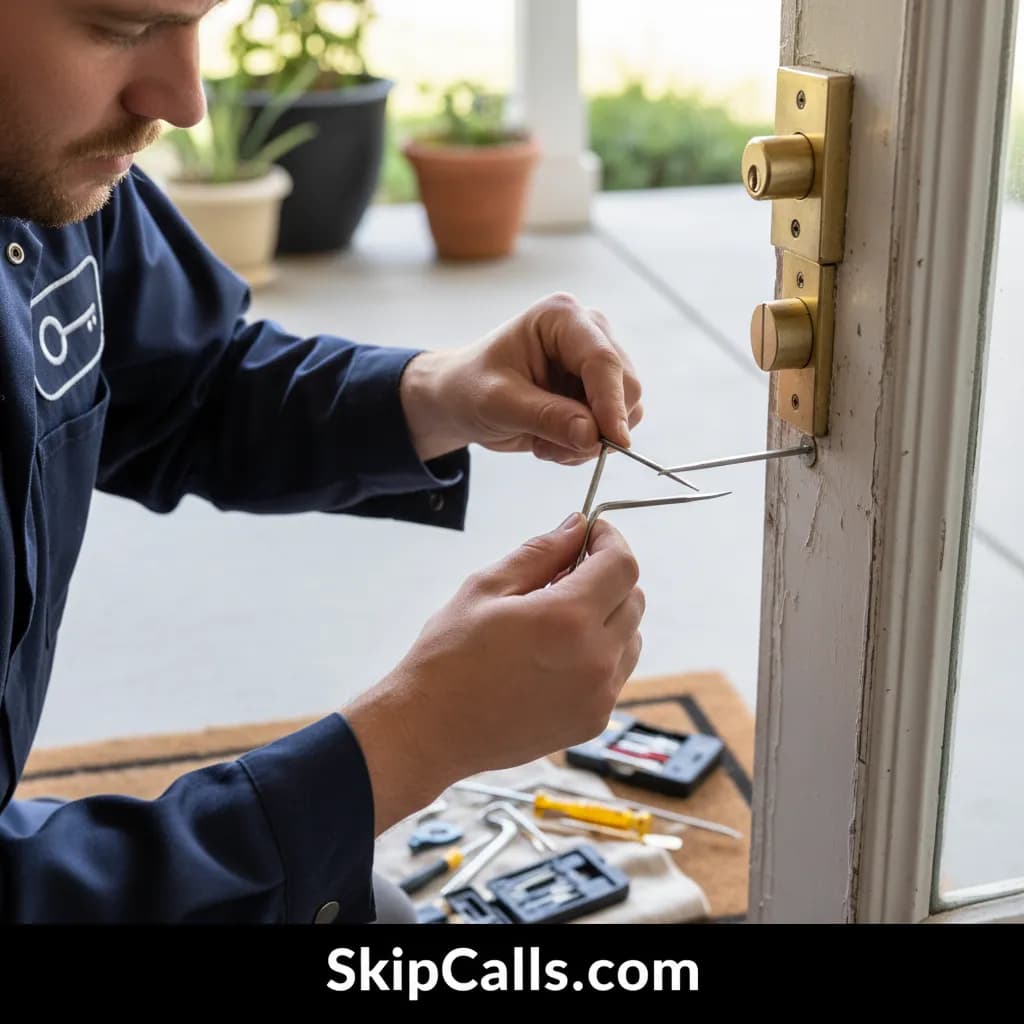
Yes—SkipCalls can stop missed lockout calls while you’re under a dash or rekeying because it answers your forwarded missed/busy calls as an AI receptionist and sends you the caller’s details immediately. With SkipCalls set to catch calls you can’t pick up, customers hear a professional answer instead of voicemail and you get a summary/transcript so you can call back fast or let SkipCalls book the job.
SkipCalls reviews from service businesses typically focus on one thing locksmiths feel every weekend: speed wins lockouts, and voicemail loses them. With SkipCalls, you keep your existing phone number and turn on call forwarding for “busy/no answer,” so when you’re hands-full rekeying a cylinder or you can’t safely answer while working a car lockout, SkipCalls answers instantly and captures the customer’s name, location, and urgency so the lead doesn’t bounce to the next locksmith.
SkipCalls also fits real locksmith workflows because it doesn’t require you to change your business line—SkipCalls simply becomes your backstop when you’re on a ladder, in a hallway with tools, or under a steering column. After every call SkipCalls sends a summary, transcript, and extracted action items (address, vehicle make/model, lock type, timing), which reduces repeat questions and helps you decide whether to prioritize a $100–$200 house lockout or a $75–$150 car lockout.
SkipCalls reviews often highlight cost and predictability, and that matters for locksmiths who don’t want per-minute receptionist pricing during peak after-hours surges. SkipCalls is a flat $19.99/month or $199/year with unlimited minutes in normal use, and it adds spam filtering so robocalls don’t steal attention while you’re trying to finish a rekey or secure a break-in repair job that could run $150–$400+.
How SkipCalls Helps Locksmiths
AI Receptionist via missed/busy call forwarding (keep your existing number)
When you’re under a dash doing an ignition-related lockout or programming and can’t touch the phone, SkipCalls can still prevent the missed lead by catching your busy/no-answer forwarded calls and answering immediately.
Automatic call summaries, transcripts, and extracted action items
When a caller says “I’m locked out at 2am” and you need the address, type of lock, and urgency without playing voicemail tag, SkipCalls collects the details and sends them to you right after the call.
24/7 answering + Automatic Booking into your calendar
When after-hours calls spike on weekends and competitors win by picking up first, SkipCalls gives you 24/7 coverage and can book jobs directly instead of telling people to leave a message.
Spam filtering for incoming calls
When telemarketers and robocalls hit your line while you’re on a job, SkipCalls can filter obvious spam so your real lockout leads get handled first.
AI makes outbound calls + Hold-for-you
When you need to check a supplier’s lock inventory or wait on hold for a part ETA between jobs, SkipCalls can make the call for you and return the key details.
Frequently Asked Questions
Do I have to change my locksmith business number to use SkipCalls?
No—SkipCalls reviews often mention this as a deciding factor: SkipCalls works by call forwarding from your existing locksmith number (typically on busy/no answer/after-hours), so customers still dial your normal line and SkipCalls answers only when you can’t.
Will SkipCalls answer after-hours lockout calls on nights and weekends?
Yes—SkipCalls provides 24/7 locksmith answering coverage, so when you’re asleep or already on a job, SkipCalls can answer, gather details, and either book the job or send you an instant summary so you can respond faster than voicemail.
Can SkipCalls actually book a lockout job or just take a message?
SkipCalls can do both: as an AI receptionist it can collect the lockout details (address, car/house, urgency, callback number) and, if you enable it, SkipCalls can book a time directly on your calendar so you’re not playing phone tag.
What happens if SkipCalls doesn’t know the price for a rekey or lock installation?
SkipCalls can be configured with your standard price ranges (e.g., rekey $75–$150 per lock, lock installation $150–$400) and, if something is unusual, SkipCalls will avoid promising a number, tell the caller you’ll confirm, and send you the transcript so you can quote accurately.
Does SkipCalls handle texts from lockout customers too?
SkipCalls can handle SMS if customers text the SkipCalls number directly; call forwarding doesn’t forward texts, but SkipCalls can automatically text callers after an answered call so they can reply in one thread that SkipCalls continues to manage.
Test SkipCalls on your next lockout rush (without changing your number).
Set SkipCalls to forward only missed/busy calls, run it for a weekend, and compare: how many lockout leads SkipCalls answered, how many were spam-filtered, and how many $75–$200 jobs you recovered from calls you would’ve missed while rekeying or under a dash.


Related Questions
- →Is SkipCalls better than a 24/7 locksmith answering service that charges per minute?
- →How do I set up call forwarding so SkipCalls only answers when I’m busy on a job?
- →Can SkipCalls screen “Are you available right now?” callers and prioritize emergency lockouts?
- →Does SkipCalls sound like a real receptionist or will lockout customers hang up?