AI Call Answering Service Guide for Local Service Businesses
Discover how an AI call answering service like SkipCalls can streamline calls, qualify leads, and book appointments without changing your phone number.

 Reviewed by Nikita Podelenko, Founder & Engineer of SkipCalls
Table of contents
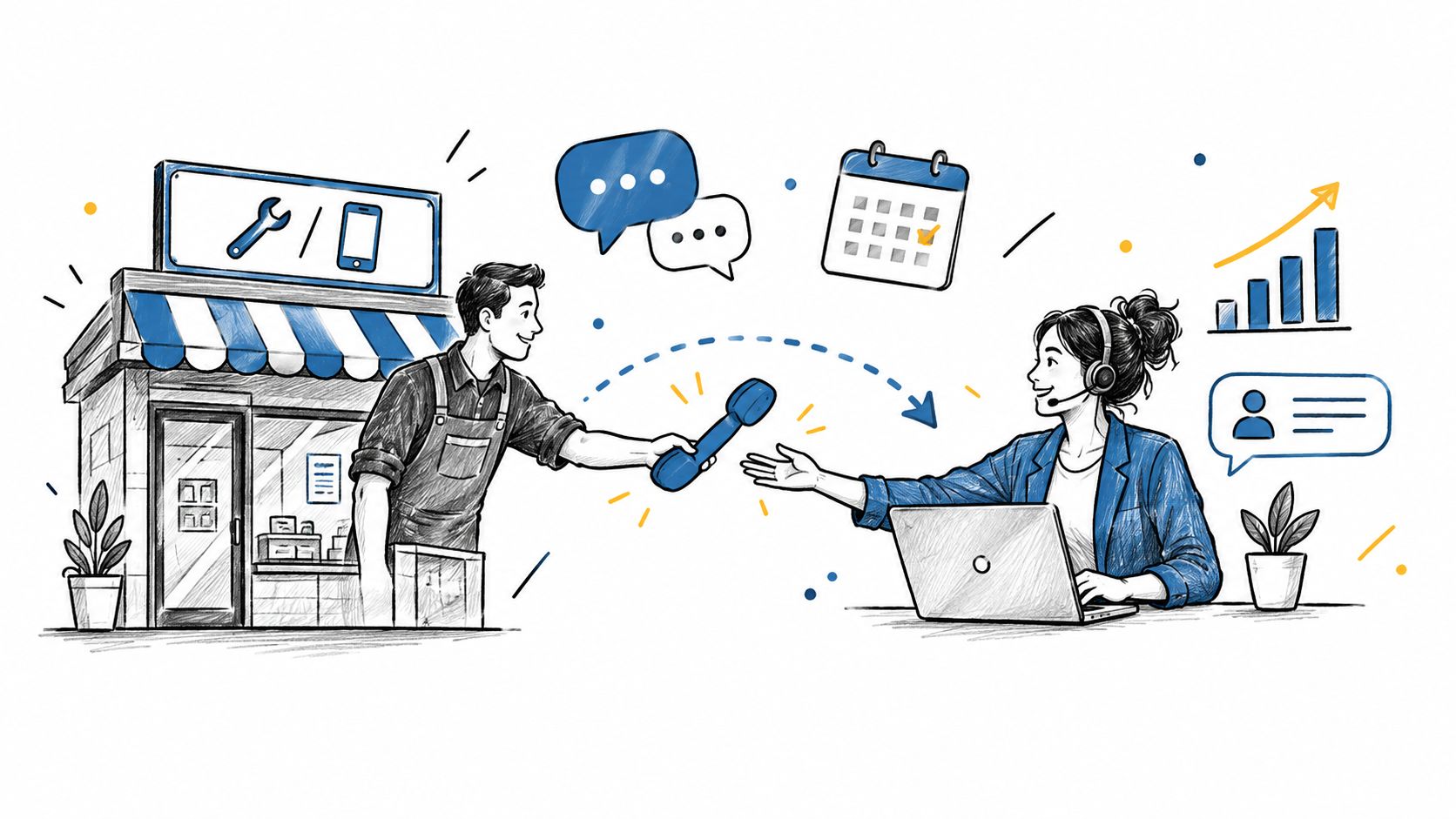
You're under a kitchen sink when your business phone starts ringing. You can't answer without stopping the job, so the call moves to voicemail. The caller may need an urgent repair, a quote, or a recurring service contract, but they hear a message asking them to leave their details and wait.
That gap is costly because phone leads are often ready to act. A widely cited study of small and midsized businesses found that only 37.8% of inbound calls were answered live, while 37.8% went to voicemail and 24.3% received no response, meaning about 62% were effectively unanswered. The findings are summarized in this SMB missed-call report.
Introduction
For a plumber, electrician, lawyer, realtor, salon owner, or insurance agent, an unanswered call isn't just a communication problem. It may be a customer choosing another business because nobody responded when the need was immediate.
A voicemail box can record the message, but it doesn't qualify the lead, answer a basic question, offer an appointment, or tell the caller what happens next. Your team still has to review the message, return the call, gather the details, and coordinate a time. By then, the caller may have contacted a competitor.
An AI call answering service acts more like an always-available front desk. It can answer calls, understand what the caller needs, collect relevant information, book appointments, send texts, and escalate matters that require a person. SkipCalls is designed for customer support, lead qualification, appointment booking, and related workflows, while handling both voice and text without requiring a phone-number change.
The important distinction is simple: the system shouldn't merely pick up. It should help move the caller toward a useful outcome.
Understanding the Key Concepts
An AI call answering service is software that conducts business conversations by phone. It uses speech recognition to interpret spoken language, language understanding to identify the caller's intent, decision rules to choose the next step, and voice synthesis to respond aloud.
The process resembles a receptionist working from a well-organized operations binder:
- The call arrives. The system greets the caller using your business name and preferred tone.
- The caller explains the need. They might ask for an estimate, request a reschedule, or report an urgent issue.
- The system identifies intent. It separates a new lead from an existing customer, a routine question from an emergency, and a genuine inquiry from an unwanted sales call.
- The workflow runs. The AI can capture contact details, answer approved questions, check availability, book an appointment, send a text, or route the call.
- A human takes over when needed. Complex, sensitive, or unclear matters can be escalated with the information already collected.

How it differs from older options
Voicemail records a message for later. Basic IVR sends callers through fixed menus such as “press one” or “press two.” A staffed receptionist provides human judgment but may be unavailable during busy periods, outside business hours, or when call volume rises.
Conversational AI gives callers a more flexible way to explain what they need. It can ask follow-up questions rather than forcing every person into the same menu. For a plain-language explanation of traditional answering services and their role, see what an answering service is.
The difference between answering and resolving matters. A useful system doesn't stop at “we received your message.” It helps complete the next approved action.
Core Features and Technology
An AI receptionist depends on several connected parts, and each part affects the caller's experience.
Speech recognition turns spoken audio into text that the system can interpret. Real business calls include background machinery, accents, interruptions, poor connections, overlapping speech, and industry-specific terms. In a benchmark using 16,311 authentic customer-service recordings, a leading system reached a 7.7% median word-error rate, while the next-best system reached 10.5%. Broader models reached as high as 28.6%, showing why clean demonstration calls aren't enough for evaluating telephony performance. See the real-world speech-recognition benchmark.
Intent capture determines what the caller wants. “The boiler stopped again” needs a different flow from “Can I move my appointment?” A capable system identifies the purpose, asks for missing information, and avoids treating every sentence as a generic message.
Workflow integrations connect the conversation to the systems your team already uses. A CRM can receive caller details and notes. A calendar can provide available times. SMS can deliver confirmations or follow-up questions. SkipCalls supports voice and text workflows without requiring you to replace your existing phone number, and it offers CRM and calendar integrations.
Latency affects trust
Accuracy isn't the only technical concern. If the system pauses too long before responding, callers may repeat themselves, interrupt, or hang up. A production scoring framework recommends under 3.5 seconds for end-to-end round-trip latency, with an optimal target of under 800 milliseconds, alongside under 5% WER and intent accuracy above 95%. These are evaluation targets, not guarantees for every provider or call environment. The framework is described in voice AI production scoring guidance.
When comparing products, an educational resource such as an AI Call Agent can help clarify how voice automation fits into lead capture and customer workflows. For more detail on the software category itself, review AI receptionist software.
Benefits for Local Service Businesses
A local service business often loses opportunities in predictable moments: while technicians are driving, while staff are serving customers, during lunch, and after closing. An AI call answering service gives those calls an immediate response and can collect enough information for the next action.
For a home-service company, the conversation might begin with the service address, the type of problem, and the preferred appointment window. For a salon, the system can handle availability questions and booking requests. For a law firm or insurance agency, it can capture intake details and route urgent or sensitive calls according to defined rules.
The financial logic starts with caller behavior. Eighty-five percent of callers who reach voicemail never call back, and some service-business scenarios estimate that missed calls can cost SMBs up to $126,000 per year. Those figures come from AI receptionist market statistics, and they illustrate why fast response matters even before a business considers labor savings.

Where the value appears
- Lead capture: The system records names, contact details, service needs, and timing while the caller is available.
- Appointment booking: Connected calendars can turn a phone inquiry into a scheduled visit instead of a callback task.
- Call screening: The AI can separate spam, routine questions, existing customers, and sales opportunities.
- After-hours coverage: A caller can receive useful assistance when your regular team isn't at the desk.
- Team relief: Staff spend less time repeating opening hours, service descriptions, and basic scheduling information.
The strongest benefit isn't just answering more calls. It's shortening the distance between a caller's question and a completed business action.
This video offers another visual introduction to how AI answering can support customer communication:
For businesses evaluating broader customer communication workflows, AI-powered customer service platforms provide useful context on how phone interactions can connect with other support channels.
Comparison with Human and Hybrid Models
Choosing an answering model depends on the work callers need completed, not just the number of calls. A human receptionist is strongest when judgment, empathy, or unusual problem-solving matters. AI is well suited to repeatable conversations, immediate coverage, and structured tasks. A hybrid model combines the two.
| Criteria | Human Receptionist | AI Call Answering | Hybrid Model |
|---|---|---|---|
| Availability | Based on staff schedules and coverage | Continuous automated availability | AI covers routine demand, humans handle escalations |
| Conversation style | Naturally flexible and empathetic | Consistent, conversational, and workflow-driven | Automated first response with human support |
| Routine questions | Accurate when staff know the answer | Fast when information is configured correctly | AI handles common questions, staff handle exceptions |
| Appointment work | Requires manual calendar actions unless connected tools are used | Can book through an integrated calendar | AI schedules, humans manage special cases |
| Complex or sensitive calls | Strong judgment and discretion | Requires carefully designed escalation | Human takes over with context |
| Scaling | Requires hiring or outsourcing | Software can handle additional demand without adding a desk | Capacity expands while human attention stays focused |
| Main risk | Availability, cost, and inconsistent coverage | Recognition, knowledge, and escalation errors | Integration and handoff design |
A hybrid approach can be especially useful for law, insurance, healthcare, and debt collection, where a routine intake may be automated but advice, disputes, privacy concerns, or regulated decisions need a qualified person. Analysis cited in hybrid AI call-center coverage reports 87% call resolution and near-human customer satisfaction at 71% lower cost per resolution for hybrid models.
Decision rule: Automate the predictable first step, then give people control over judgment, exceptions, and accountability.
Human-in-the-loop design doesn't mean the AI failed. It means the business has intentionally assigned different tasks to software and people. A guide to understanding human-in-the-loop technology can help owners think through those boundaries.
Use the AI receptionist versus live answering service comparison when deciding whether your priority is maximum automation, a human-first experience, or a blend.
Implementation and Pricing Considerations
The easiest rollout starts with the phone number your customers already know. You can use number hosting, which keeps voice service with the original carrier while routing text messaging through another provider, or you can use number porting, which moves service from one provider to another while preserving the number.
Porting is a formal carrier process. Providers typically request a Letter of Authorization, along with account information such as a recent invoice or account number. The business-number porting process explains why those documents are used to verify ownership and authorize the transfer.
A practical setup sequence
- Retain the existing number. Choose hosting, forwarding, or porting based on your carrier and workflow requirements.
- Write the call rules. List the services, hours, locations, booking rules, emergency instructions, and situations that require a person.
- Configure voice and SMS. Decide when the AI answers, what it texts, and how it notifies your team about urgent or qualified leads.
- Connect business tools. Link the CRM and calendar so the system can record details and schedule work instead of creating another inbox.
- Test real scenarios. Try unclear names, background noise, interruptions, rescheduling, spam, and requests outside the approved knowledge.
- Launch gradually. Start with a defined call category or after-hours coverage, review results, and refine the flows before expanding.
Modern telephony platforms can connect voice and SMS with CRMs and calendars. Examples of supported business-tool connections include HubSpot, Salesforce, Pipedrive, and calendar systems, as described by business communication integrations.
Pricing usually falls into per-call, per-minute, monthly, or custom enterprise models. Compare included usage, overage charges, texting, transfers, setup, integrations, and the complexity of your workflows. The right question isn't “What is the cheapest plan?” It's “What does each completed interaction replace, and what value does it protect?”
Practical Tips and Case Examples
Good results begin with a narrow, accurate call flow. Don't give the AI every possible task on its first day. Start with the conversations your staff repeat most often, such as service-area questions, appointment requests, lead intake, and basic rescheduling.
Use the words your customers use. If callers say “water heater,” “tank,” or a specific equipment name, include those terms in the knowledge base and test them in different sentences. The system should also know what it must not guess.
Build the first workflow around outcomes
- Collect the essentials: Ask for the caller's name, callback number, service need, location, and preferred timing.
- Confirm before saving: Read back phone numbers, addresses, and appointment details.
- Set escalation boundaries: Transfer or notify a human for emergencies, complaints, legal questions, payment disputes, or uncertainty.
- Create a useful handoff: Send the employee a concise summary, not just a recording.
- Review failed conversations: Look for misunderstood names, missing fields, awkward pauses, and incorrect routing.
SkipCalls is one example of a simple-to-set-up option for customer support, lead qualification, appointment booking, and related workflows. It handles voice and text, keeps your existing phone number in the workflow, and connects with CRM and calendar tools.
Avoid relying on unsupported success stories or assumed performance lifts. Instead, establish your own baseline before launch and compare it with the same measures afterward:
- Calls that reached voicemail
- Leads with complete contact details
- Appointments booked during the call
- Calls escalated correctly
- Messages requiring staff correction
- Follow-up time saved by the team
A salon might begin with booking and rescheduling. A realtor might start with lead capture and immediate notification. A contractor could focus first on after-hours inquiries and emergency routing. Each business should expand only after the initial flow works reliably in real conversations.
Conclusion and FAQs
An AI call answering service can turn a missed ring into a captured lead, a qualified inquiry, or a confirmed appointment. The practical advantage comes from connecting the conversation to the next business action, while keeping human staff involved when judgment, empathy, privacy, or compliance matters.
Start with one workflow, test it with real caller language, and measure completed outcomes rather than voice quality alone.
Can I pause service during a slow season?
That depends on the provider's plan and contract terms. Ask whether seasonal pauses, number retention, unused usage, and reactivation are supported before signing up.
How secure is call data?
Security depends on the provider, integrations, retention settings, access controls, and industry requirements. Businesses handling sensitive information should verify how recordings, transcripts, customer details, and escalations are protected.
What happens when a caller wants a human?
The workflow should offer a transfer or callback path. A well-designed handoff gives the employee the caller's details and conversation context so the person doesn't need to start from the beginning.
Can the system scale with the business?
It can scale operationally when the provider supports additional workflows, users, locations, calendars, and CRM connections. Review usage limits and integration support before expanding into new service areas.
SkipCalls answers business calls and texts, captures customer details, books appointments, and helps local teams manage leads without adding a full-time front desk. Visit SkipCalls to see how its existing-number workflow, CRM and calendar integrations, and human escalation options can fit your business.