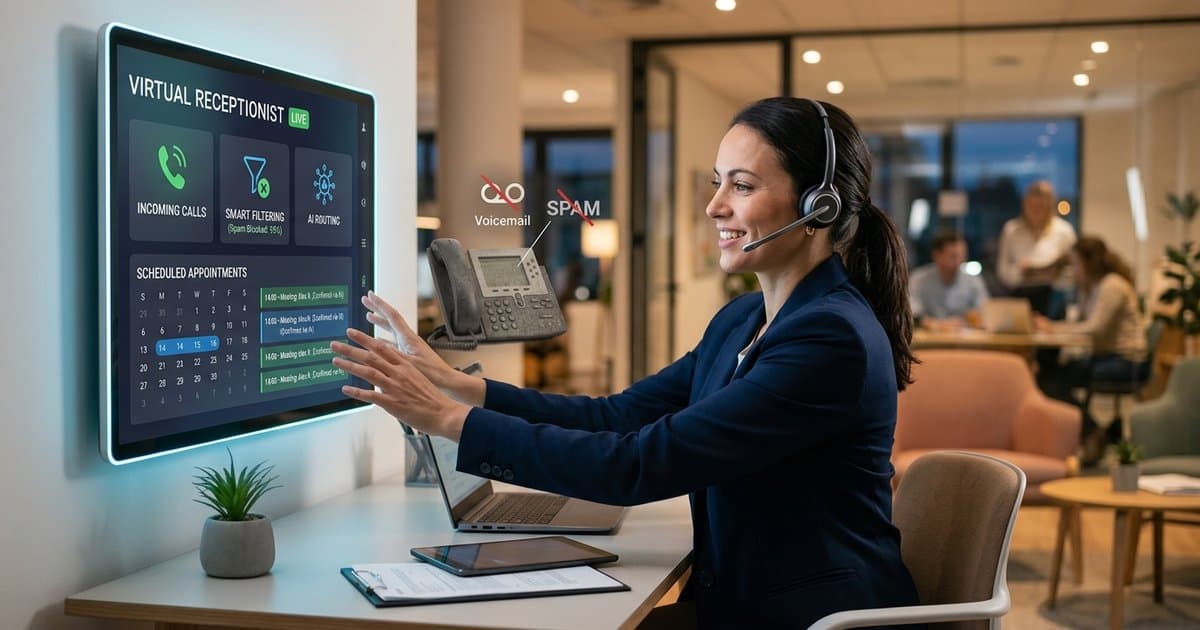
Stop Playing Phone Tag: The Contractor’s Guide to Automated Booking
Tired of chasing leads? Learn how to automate appointment booking from phone call to calendar. Stop playing phone tag and start booking jobs 24/7.
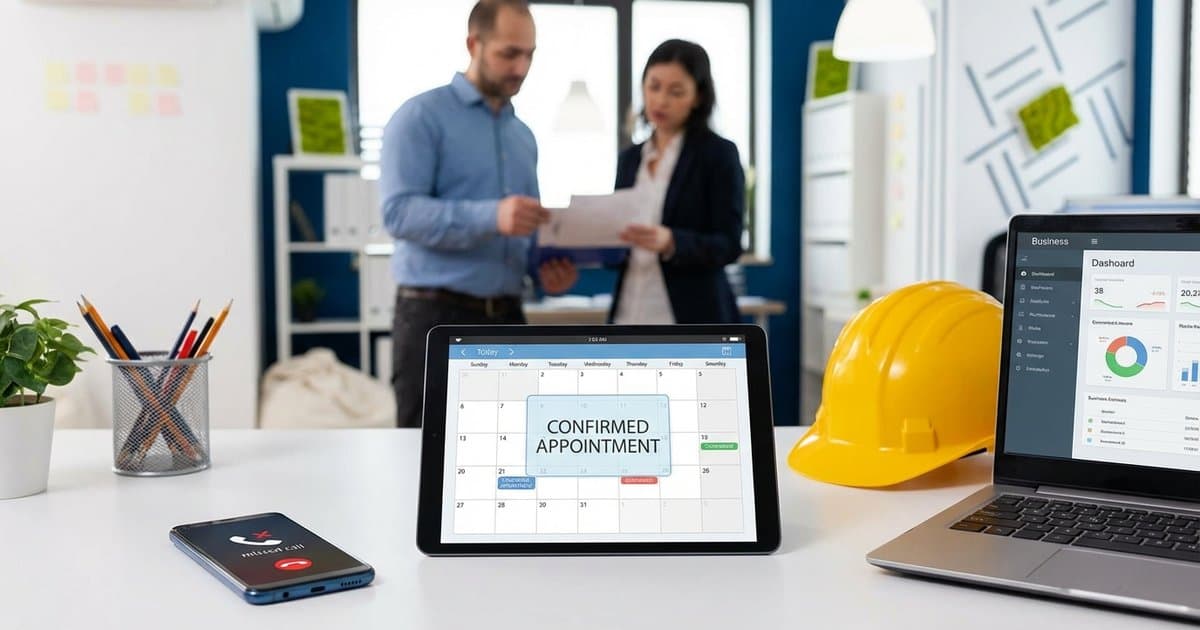
You know the drill. You’re on a roof, under a sink, or driving to a site when your phone rings. You can’t answer, so it goes to voicemail.
Two hours later, you finally have a free moment. You listen to the message—a homeowner needs a quote for a renovation. You call them back immediately, ready to book the job.
"Hi, you've reached the voicemail of..."
Now you’re stuck in the game of phone tag. You leave a message. They call you back while you’re eating dinner. You miss it. By the time you finally connect two days later, they’ve already hired someone else who answered the phone the first time.
For contractors and home service professionals, phone tag isn't just an annoyance—it's a revenue killer.
In this guide, we’re going to show you how to break this cycle forever by automating your booking process from the initial call straight to your calendar.
The Real Cost of "I'll Call You Back"
Most contractors think of a missed call as a minor delay. But in today's on-demand economy, speed is everything.
Data shows that 78% of jobs go to the first business that responds. If you aren't booking the appointment during that first interaction, you are opening the door for your competitors.
When you play phone tag, you are bleeding money in three ways:
- Lost Leads: Every hour that passes reduces your chance of contacting the lead by 10x.
- Wasted Admin Time: The average small business owner spends 10+ hours a week just returning calls and negotiating time slots.
- Poor Customer Experience: Clients want instant gratification. Waiting 24 hours to schedule a simple estimate feels archaic to modern homeowners.
The New Workflow: From Call to Calendar Instantly
The solution isn't to hire a full-time receptionist (which costs $45,000+ a year). The solution is AI-driven automation.
Imagine this workflow instead:
- The Call: A customer calls your business line while you’re working.
- The Answer: Your AI agent picks up immediately—no voicemail.
- The Check: The AI checks your connected digital calendar (Google, Outlook, etc.) in real-time to see when you are free.
- The Booking: The AI offers available slots to the customer, confirms a time, and adds it directly to your schedule.
- The Notification: You get a text saying, "New Estimate booked with Sarah for Tuesday at 2 PM."
No callback needed. No phone tag. You just show up and do the work.
Step 1: Digitalize Your Schedule
You can't automate what isn't digital. If you are still using a paper day planner or a whiteboard in the van, this is your sign to upgrade.
To make automated booking work, you need a cloud-based calendar. The industry standards are:
- Google Calendar: Best for Android users and general ease of use.
- Outlook Calendar: Best if you already use Microsoft office tools.
- Apple Calendar (iCal): Good for iPhone loyalists, though Google Calendar often integrates better with business tools.
Action Item: Commit to putting everything in this digital calendar. Doctor's appointments, kids' soccer games, and blocked-off work blocks. If it’s not on the calendar, the AI thinks you’re free.
Step 2: Define Your "Bookable" Hours
One fear contractors have about automation is losing control. "I don't want an AI filling up my Saturday morning!"
Automation actually gives you more control, not less. You set the rules.
When setting up your availability, decide:
- Working Days: Mon-Fri only? Or weekends for emergency rates?
- Time Windows: 8:00 AM to 5:00 PM?
- Buffer Times: Do you need 30 minutes of travel time between jobs? (Most scheduling tools allow you to set automatic buffers).
How SkipCalls Handles the Heavy Lifting
This is where SkipCalls changes the game for tradespeople. Unlike basic scheduling links (Calendly) where you have to email a link and hope the client clicks it, SkipCalls handles the negotiation verbally.
When a customer calls your SkipCalls number:
- Voice Cloning: The AI speaks in a natural, human-like voice (that can even sound like you!).
- Intent Detection: It understands if the caller wants to book a job or just ask a question.
- Smart Integration: It connects seamlessly with your Google or Outlook calendar.
- Spam Protection: It filters out the robocalls so your calendar doesn't get filled with fake appointments.
Real-World Example:
Customer: "Hi, I need someone to look at my water heater. Are you around tomorrow?" SkipCalls AI: "I can help with that. I'm checking the schedule now. I have an opening tomorrow at 10:00 AM or 2:00 PM. Which works better for you?" Customer: "10:00 AM is great." SkipCalls AI: "Perfect. I've booked you for 10:00 AM tomorrow. We'll see you then."
That interaction took 45 seconds. It cost you zero effort. And it secured a potential $1,000+ job.
Best Practices for Automated Scheduling
To get the most out of this system, follow these three rules:
1. Keep Appointment Types Simple
Don't overcomplicate it. For most trades, you only need 1-2 appointment types for the AI to handle:
- "Estimate/Quote" (30-60 mins)
- "Service Call" (60-90 mins)
If a job is complex, let the AI book the "Estimate" first. You can assess the full scope when you arrive.
2. Use "All-Day" Events for Time Off
Going fishing on Friday? Block it off as an "All Day" event in your Google Calendar. The AI will instantly know you are unavailable and won't offer that day to clients.
3. Review Your Calendar Daily
Make it a habit to check your phone every morning. You might wake up to three new jobs booked while you were sleeping. It’s a great feeling, but you need to know where you’re going!
Ready to Stop the Chase?
Phone tag is a game you can't win. It wastes your time, frustrates your customers, and hands money to your competitors.
By automating the path from "Hello" to "You're Booked," you turn your phone into a passive lead-generation machine. You get your evenings back, and your customers get the instant service they expect.
Want to see it in action? SkipCalls offers a 7-Day Free Trial so you can test the AI scheduler yourself. Set it up in 5 minutes, forward your calls, and watch your calendar fill up automatically.
Start your free trial today and stop missing out on work.