How To Automate Appointment Booking With an AI Phone Agent: Complete Setup Guide for Service Businesses
Stop playing phone tag. Learn how to set up an AI phone agent to book appointments 24/7. Complete guide for plumbers, HVAC, and service businesses.

You know the drill. You’re under a sink, on a roof, or wiring a breaker box when your phone buzzes. You can’t pick up, so it goes to voicemail.
Later, you call back. No answer. You leave a voicemail. They call you back while you’re driving.
It’s called "phone tag," and it’s costing you thousands.
Here is the hard truth: 85% of customers who call a business and hit voicemail will not call back. They simply call the next company on Google. In 2025, speed isn't just a "nice to have"—it is the only way to win the job.
The solution isn't hiring a $40,000/year receptionist. It's automating your appointment booking with an AI phone agent. This guide will show you exactly how to set this up, step-by-step, so you can book jobs while you sleep (or work).
The High Cost of "I'll Call You Back"
Before we get into the how, let's look at the why.
Most service business owners underestimate the cost of a missed call. You might think, "It's just one lead." But do the math:
- Average Job Value: Let's say $500.
- Missed Calls Per Week: 5 (a conservative estimate for busy contractors).
- Annual Revenue Lost: $130,000.
Industry data backs this up. Research shows that small businesses lose approximately $126,000 annually due to missed calls. For contractors specifically, the loss is often higher because your jobs are high-ticket items.
What Are Missed Calls Costing You?
Step 1 of 3 • Takes 30 seconds
On a typical busy day, how often does your phone ring when you can't pick up?
When you're with a customer, under a house, on a ladder...
Don't stress about the exact number – a rough guess is perfect
What Are Missed Calls Costing You?
Calculate how much revenue your business loses from missed phone calls. Most contractors lose $800-$1,500 per month from unanswered calls. SkipCalls AI phone answering costs only $199/year and captures every lead.
- Calculate how much money you lose from missed calls
- Average contractor loses $800-$1,500/month to unanswered calls
- SkipCalls AI answering costs only $199/year
- One captured job pays for 5+ years of service
What Is an AI Phone Agent?
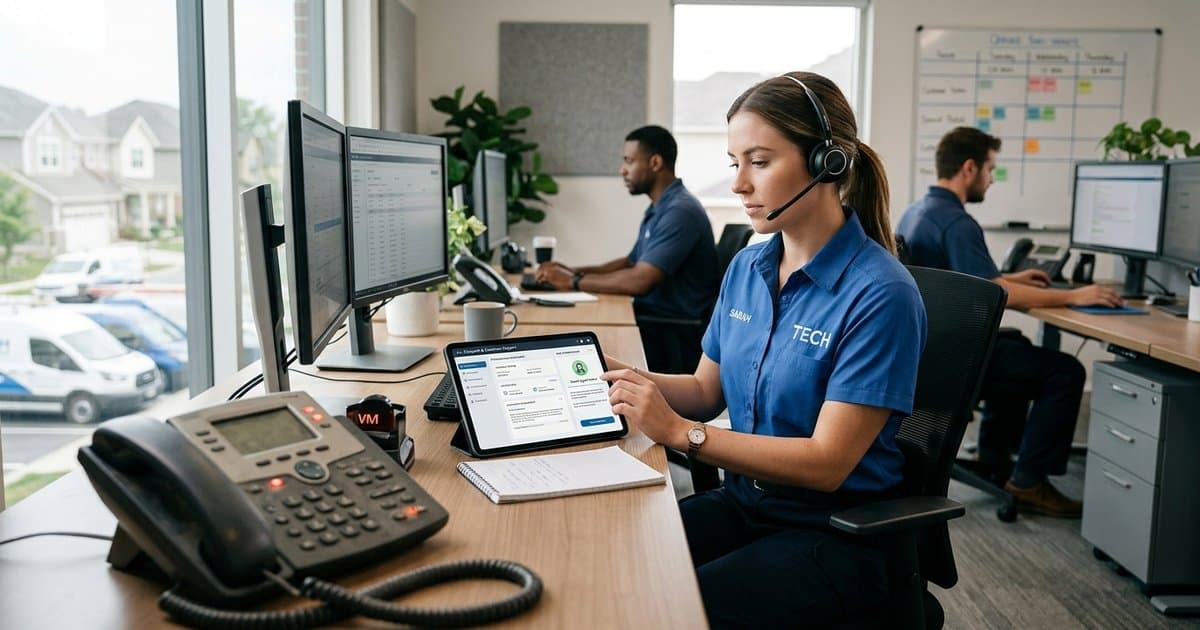
An AI phone agent isn't a robotic "Press 1 for Sales" menu. It is advanced software that uses voice cloning and natural language processing to hold real conversations.
It sounds like a human (often like you), understands context, and most importantly, it can access your calendar to book appointments in real-time.
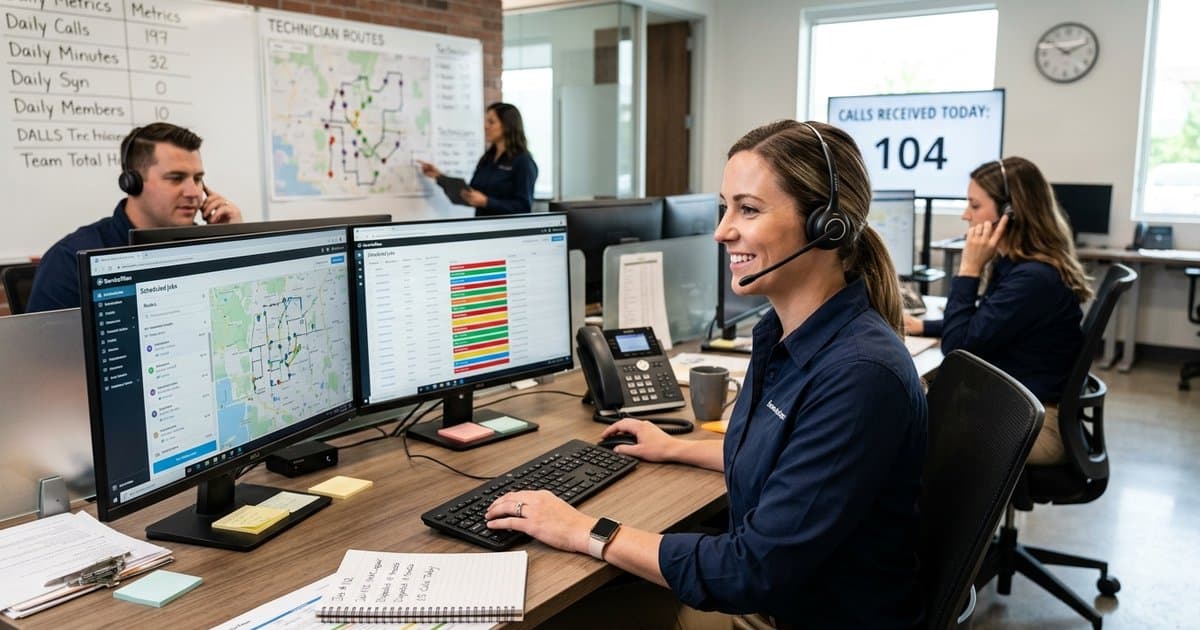
Think of it as a 24/7 digital receptionist that never takes a sick day, never misses a call, and costs less than your daily coffee order.
Step-by-Step Setup Guide
Ready to stop missing jobs? Here is how to set up automated booking for your service business. We will focus on a setup that works for plumbers, electricians, HVAC techs, and handymen.
Step 1: Choose Your Platform
You have two main options:
- The "Developer" Route: Platforms like Bland.ai or Twilio. These require coding skills, API keys, and complex workflows. Great if you are a software engineer; terrible if you just want to fix pipes.
- The "Done-For-You" Route: Apps like SkipCalls. These are designed for business owners. You download the app, link your calendar, and you're live in 5 minutes.
For this guide, we will assume you want the easy route.
Step 2: Sync Your Calendar
Your AI agent needs to know when you are free.
- Connect your source: Most AI agents integrate with Google Calendar, Outlook, or Calendly.
- Block your time: Ensure your personal events (doctor's appointments, kid's soccer games) are marked as "Busy" on your calendar. The AI will see these blocks and know not to book jobs then.
Step 3: Define Your "Booking Rules"
This is the most critical step for contractors. You can't just let an AI fill every 30-minute slot back-to-back. You need travel time and buffers.
Settings to configure:
- Service Duration: How long is a standard service call? (e.g., 60 minutes).
- Buffer Time: Add 30 minutes between appointments for travel and cleanup.
- Operating Hours: Set the AI to book jobs only between 8:00 AM and 5:00 PM, but answer calls 24/7.
Pro Tip: If you use Jobber or Housecall Pro, check if your AI agent can integrate directly to push bookings into your dispatch software.
Step 4: Customize the Script
You don't want a generic robot answering your phone. You want it to sound like your business.
Good Script Example:
"Thanks for calling Mike's Plumbing. I'm Mike's automated assistant. I can book an appointment for you, answer questions about our rates, or take a message. How can I help you today?"
What to capture: Ensure your AI is set to collect:
- Caller Name
- Phone Number
- Service Address
- Issue Description (e.g., "leaking water heater")
For more on this, check out our guide on AI phone scripts for contractors.
Step 5: Set Up Call Forwarding
This is the magic moment. You don't need a new phone number. You just need to tell your carrier to send unanswered calls to the AI.
Most carriers (Verizon, T-Mobile, AT&T) use "Conditional Call Forwarding." This means:
- If you answer → Great, you talk to the client.
- If you don't answer (or decline) → The call forwards to your AI agent.
We have a complete call forwarding setup guide that walks you through the specific codes for each carrier.
Handling Complex Scenarios
"But wait," you say. "Not every call is a simple booking."
You're right. Here is how advanced AI agents handle the curveballs:
The "Price Shopper"
Caller: "How much for a new water heater?" AI Response: "It depends on the model and your home's setup, but our standard installations typically range from $1,200 to $1,800. I can schedule a technician to come out and give you an exact quote. Does Tuesday morning work?"
The Emergency
Caller: "My basement is flooding right now!" AI Response: "I understand this is an emergency. I'm marking this as urgent and sending a text alert to Mike immediately. In the meantime, please shut off your main water valve."
(See how our overflow answering handles emergencies differently than standard calls.)
Best Practices for Success
- Test It Yourself: Call your own number. Try to be a difficult customer. See how the AI reacts.
- Monitor the Summaries: Apps like SkipCalls send you a text summary after every call. Read these to ensure the AI is representing your brand correctly.
- Start with "Overflow" Only: You don't have to let the AI answer everything. Start by using it only for missed calls or after-hours support. Once you trust it, you can let it handle more.
Why SkipCalls is the Best Tool for the Job
If you are looking for the simplest way to get this running, SkipCalls was built specifically for trades and service businesses.
- No Coding: We did the hard work so you don't have to.
- Spam Protection: Our spam check tool filters out robocalls so you only get notifications for real leads.
- Smart Scheduling: We understand travel time and buffers.
- Cost: At just $199/year, it costs less than one missed service call.
Conclusion: Stop Leaving Money on the Table
Automating your appointment booking isn't about replacing the human touch; it's about protecting your time. It allows you to focus on the work you're paid to do, knowing that your next job is being booked in the background.
Don't let another $500 job go to voicemail.
Ready to automate your booking? See how SkipCalls works or download the app today to start your free trial.


![SkipCalls vs Dialzara: Current Plan Comparison [2026]](/_next/image?url=%2Fblog%2Fskipcalls-vs-dialzara-cover.jpeg&w=3840&q=75)