Work from Home Answering Service: A Practical Guide for 2026
A work from home answering service explained for local businesses. Learn costs, trade-offs, AI vs human options, and how to choose the right setup.

 Reviewed by Nikita Podelenko, Founder & Engineer of SkipCalls
Table of contents
You're probably already living this. The phone rings while you're on a roof, in a truck, or with a client, and by the time you get back, the caller has moved on. For local businesses, that isn't a “missed call,” it's a lost job, a lost lead, or a booked slot that went to the next company with a live answer.
A work from home answering service exists to stop that leak. The question isn't whether calls can be answered remotely, because they can. The question is who should answer them, when a human is worth paying for, when AI is enough, and how to blend both without turning your front desk into a mess.
The Moment a Missed Call Cost a Real Business
A plumber on a ladder doesn't answer a random number. An HVAC tech in a crawl space doesn't stop to screen voicemail. That's normal, but the caller doesn't care that you were busy. They care that someone else picked up first.
I've seen owners obsess over ads, websites, and reviews, then lose the simplest win because nobody caught the phone at the right moment. One missed call can be the difference between a small job and a full day's revenue. The ugly part is that the caller usually doesn't leave a second chance. They call the next company, get a real person, and the decision is over.
That's why this topic matters. A work from home answering service is not just a staffing trick, it's a coverage decision. For a lot of small businesses, the phone is still the highest-intent channel they have, and the cost of silence is usually higher than the cost of handling the call correctly.
If you want a hard look at what one missed call can really cost, start with this breakdown of missed business calls. It frames the problem the same way owners feel it in real life, as a revenue leak, not an abstract operations issue.
Practical rule: if the phone still drives bookings, estimates, or intake, treat every unanswered ring as a business problem, not an inconvenience.
What a Work From Home Answering Service Does

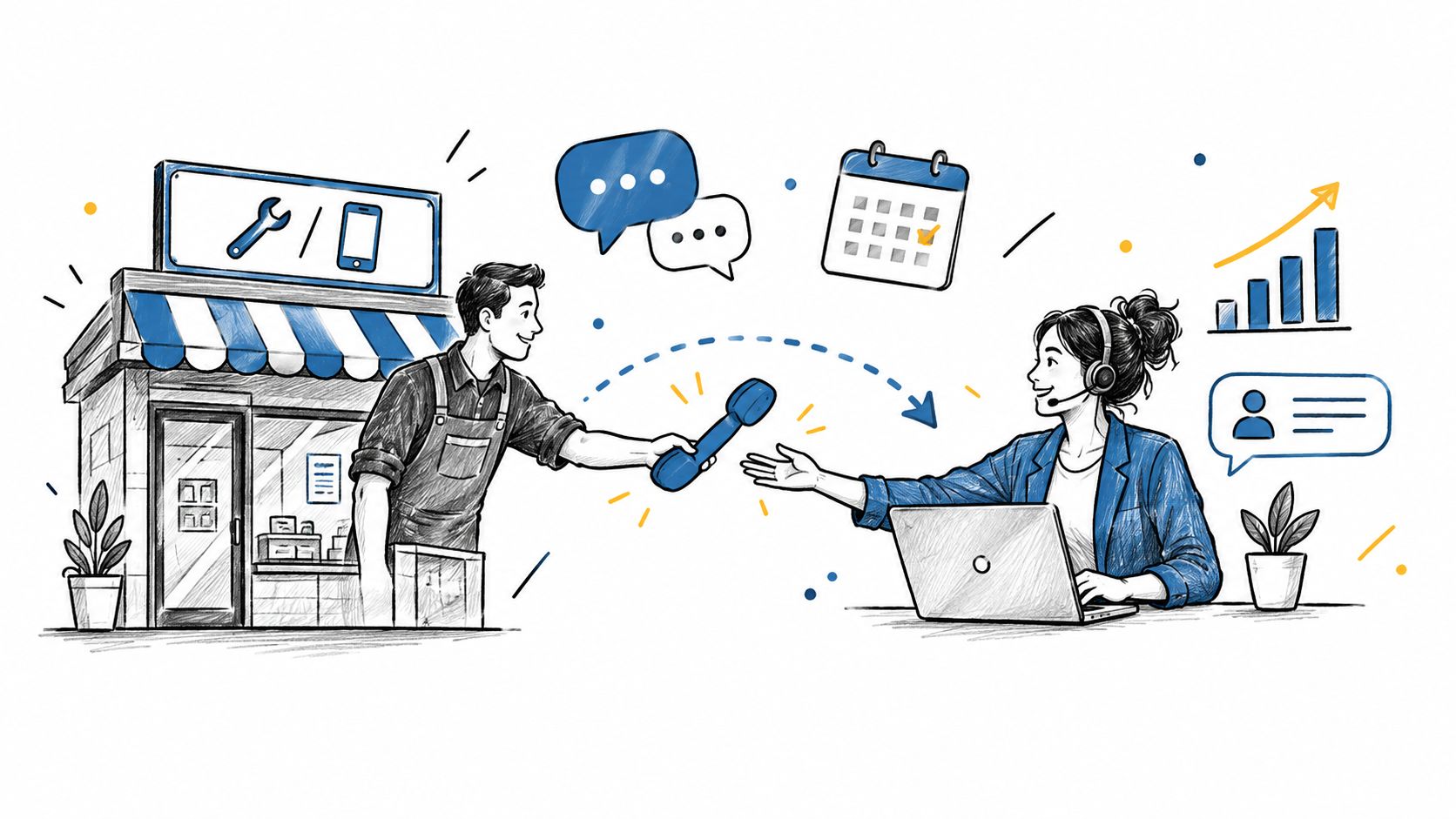
A work from home answering service is a remote front desk with software in the middle. Calls come in through forwarding, a dedicated number, or VoIP routing, then the service sends the call to a human operator or an AI agent for the first response. From there, the caller gets greeted, the reason for the call gets identified, and the outcome gets sent back as a transfer, note, email, SMS, or calendar entry.
The setup is simple on the surface. Your business line rings somewhere else first, not in your office, and a person or a system picks up fast enough to keep the lead warm. That can mean taking a message, qualifying a caller, booking an appointment, or pushing a hot lead to you right away.
I use one test every time I look at these services. Can the caller get a useful answer before they hang up? If the answer is no, the setup is failing, no matter how polished the dashboard looks.
The workflow changes depending on the provider. A human can improvise when the caller is confused or upset, and that matters for messy conversations and high-stakes bookings. AI stays consistent, answers instantly, and does not get tired, which makes it a strong fit for after-hours pickup and overflow. If you want a practical overview of that side of the market, this guide to AI phone answering lays out the pieces in plain language.
For owners sorting through startup tips for home ventures, the main question is coverage, not ideology. Some businesses need a live person who can read the room. Others need fast intake, clean routing, and every missed ring caught before it turns into a lost lead.
The right setup keeps the phone from becoming dead air. That is the whole job.
Human Operators Versus AI Receptionists
The right choice depends on the call, not the hype. A human operator is better when the caller is frustrated, the request is messy, or the booking has too many moving parts. An AI receptionist is better when speed, consistency, and after-hours pickup matter more than conversation depth.
The market tells the same story. In UK contact centers, homeworking moved from 26% in 2019 to 75% in 2020 and 94% in 2023, while only 6% still kept all agents in a centralized location full-time, according to the ContactBabel/DMG 2024 decision-makers' guide (report). That shift matters because remote answering isn't experimental anymore. It's a normal staffing model.
The service-side performance gap is just as blunt. PatLive says home-service professionals estimated their answer rate at 97%, but the actual answer rate was 66%, and it reports 99% answer rate and 86% lead capture for answering services versus 75% lead capture for in-house staff (PatLive report). That's why I don't argue about human versus AI in the abstract. I ask which option keeps more real prospects from slipping away.
| Dimension | Human Operator | AI Receptionist |
|---|---|---|
| Coverage | Strong for nuanced calls and escalations | Strong for instant pickup and overflow |
| Consistency | Depends on training and fatigue | Very consistent once configured |
| Cost shape | Usually tied to labor | Usually tied to platform and usage |
| Lead capture | Better on complex, emotional calls | Better on simple, repetitive intake |
| Best use | High-touch, high-value conversations | After-hours, routine screening, fast response |
For a practical buyer comparison, this human vs AI receptionist guide is the cleanest way to sanity-check your own call flow. If you're looking at voice quality and routing, Premier Broadband's AI voice setup guide is a useful reference point for how the audio side of these systems gets handled.
If your calls are simple and repetitive, AI can carry a lot. If your callers are stressed, confused, or expensive to lose, human backup still earns its keep.
What It Really Costs to Run or Buy One
A work-from-home answering service looks cheap until you price the people and the call handling behind it. ZipRecruiter's U.S. salary data puts the average hourly pay for a work-from-home answering service operator at $19.26 as of July 6, 2026, with most workers earning between $14.66 and $21.15 per hour depending on experience, location, and employer (ZipRecruiter salary data). Buyers do not pay that wage line directly, but that figure explains why human coverage carries real labor cost.
Buyer pricing usually falls into a few buckets. Some services charge by the minute, some by the call, some by the month, and some add setup or telephony fees. Concurrency is the part that gets ignored. If your phones spike at once, the underlying line capacity matters, and the equipment guide for answering services recommends PSTN connectivity via ISDN or VoIP, a PBX, multiple DID/DDI numbers, and at least 2 lines per operator to avoid congestion (equipment guide).
That capacity gap is why a low-volume office can survive on a simple plan while a busy home-services company cannot. A cheap setup works until several callers hit at once, then it starts missing or stacking calls. The same guide also says software becomes the central integration layer that connects the phone system, operator tools, and alerts, so the bargain option often shifts the cost somewhere less obvious.
The market is also pushing product design and pricing in the same direction. One industry estimate puts the broader virtual receptionist and answering-services market at $3.2 billion in 2022, projected to reach $6.8 billion by 2030 with a 9.8% CAGR (market estimate). Another industry estimate, covered in this AI receptionist pricing guide, points to fast growth in AI-powered reception because buyers want lower labor exposure and faster after-hours coverage. That mix is why pricing keeps shifting, even when the basic service sounds unchanged.

The practical takeaway is simple. Human coverage costs more because labor costs more, and call spikes expose weak infrastructure fast. AI pricing usually looks lighter on paper, but the comparison is whether you are paying for always-on coverage, call handling quality, or both.
Where This Model Fits Best in Local Services
The best fit isn't about industry labels, it's about call value. A dentist, a law office, and a salon all answer phones, but they don't need the same coverage. A caller asking for emergency dispatch is not the same as someone trying to book a routine color appointment.
High-stakes calls deserve human backup
Ruby's answer-service guidance is straightforward, a real person matters when the business can't guarantee 24/7 coverage in-house, especially in healthcare, law, and home services where responsiveness is sensitive (Ruby). That tracks with what I've seen in the field. Plumbers and HVAC companies lose too much to voicemail when the call is urgent. Law firms need careful intake. Dental offices need scheduling that doesn't sound robotic.
Routine calls can lean harder on AI
AI does well when the request is clear and repetitive. A salon booking an appointment, a solo operator screening leads, or a real estate agent sorting initial inquiries can usually let automation do the first pass, then escalate the hot ones. The quality test is simple, does the caller need reassurance, or do they just need a fast answer?
My rule: if the call can be resolved with three predictable questions, AI is enough. If the caller needs judgment, tone, or exception handling, a human should be in the loop.
Match the coverage to the money at stake
A solo plumber losing one big emergency call has a very different math problem than a salon missing a routine booking. The same goes for debt collection, where a script can handle basic routing but sensitive calls still need cleaner escalation. This is why I prefer a blended model for most local businesses, AI for overflow and after-hours, humans for the calls that can't afford a bad first impression.
SkipCalls is one option in that blended category. It handles calls and texts, books appointments, captures customer details, and sends hot lead alerts by calling you, which makes it useful when you want remote coverage without pretending every caller should be treated the same.

How to Choose the Right Answering Service
Start with coverage. If you need 24/7 live or AI coverage, don't let a vendor hide behind office hours. Missed calls happen outside business hours, during lunch, and when the front desk gets overwhelmed. If the service can't answer in those windows, it's not really solving the problem.
Then check integration and control. You want CRM integration, calendar sync, and the ability to keep your existing number in place when possible. You also want clear rules for spam handling and custom scripting, because the service should filter junk and speak the way your business already speaks.
Here's the quick filter I'd use before a sales call:
- Transparent Pricing Model: If the pricing page is vague, expect surprises later.
- Concurrent Call Capacity: Ask what happens when three people call at once.
- Escalation Rules: Make sure hot leads reach you fast.
- Bilingual Support: If your market needs it, verify it up front.
- Trial or Pilot: If you can't test the workflow, you're buying blind.
The call structure matters too. Public job listings show that legitimate remote answering jobs often use live-call simulations, voice introductions, typing checks, and scripted escalation handling (MyASD). That's a clue for buyers as well. If the vendor doesn't show you how they screen or train for actual call handling, they're probably overselling the easy part and ignoring the hard part.

A good vendor should be able to answer the same question in plain English. Who answers, what happens to the caller, where the notes go, and how fast a hot lead gets back to you. If they can't explain that without jargon, keep looking.
Setting It Up and Tracking the Right Numbers
The first week should be boring. Forward the business line, or port it if that makes sense, then write a short script that covers greeting, caller intent, basic qualification, and escalation. If you're using AI, teach it the few phrases your customers use. If you're using human operators, give them the exact boundaries for refunds, emergencies, pricing questions, and appointment booking.
After that, connect the system to the tools you already use. Calendar entries should land where your team looks. Lead notes should land in the CRM, not in someone's personal inbox. If the service can't keep the workflow clean, it will create a second admin job instead of removing one.
Track the numbers that tell the truth:
- Answer rate tells you whether the system is picking up.
- Lead capture rate tells you whether the call became usable.
- Average speed to first response tells you how fast the caller got attention.
- Appointment booking rate tells you whether the process creates revenue.
- Recovered missed-call revenue tells you whether the service paid for itself.
Give it at least two weeks before you judge it harshly. The first few days are usually messy because scripts get tuned, categories get corrected, and the edge cases reveal themselves. After that, compare the new baseline against the old one and decide whether the system is catching more business than your old setup did.
If you want a cleaner way to stop losing calls after hours, SkipCalls is built for exactly that kind of coverage. It answers calls and texts, captures customer details, books appointments, and flags hot leads so you're not guessing which rings mattered. If missed calls are still costing you real work, it's worth seeing how a blended human and AI setup can fit your business.