You're between showings when your phone rings. You can't answer without interrupting the client in front of you, so the caller reaches voicemail. By the time you're free, there's no message, no useful context, and no guarantee the prospect is still considering you.
That's the daily problem an answering service for real estate is meant to solve. The useful systems don't just play a greeting or forward calls. They capture intent, collect details, schedule the next action, and put the conversation into the workflow your team already uses.
The High Cost of Missed Calls in Real Estate
A missed call in another industry may mean a delayed support request. In real estate, it can be the first conversation connected to a listing, a buyer consultation, a showing, or a referral. The caller may never leave enough information for you to recover the opportunity.
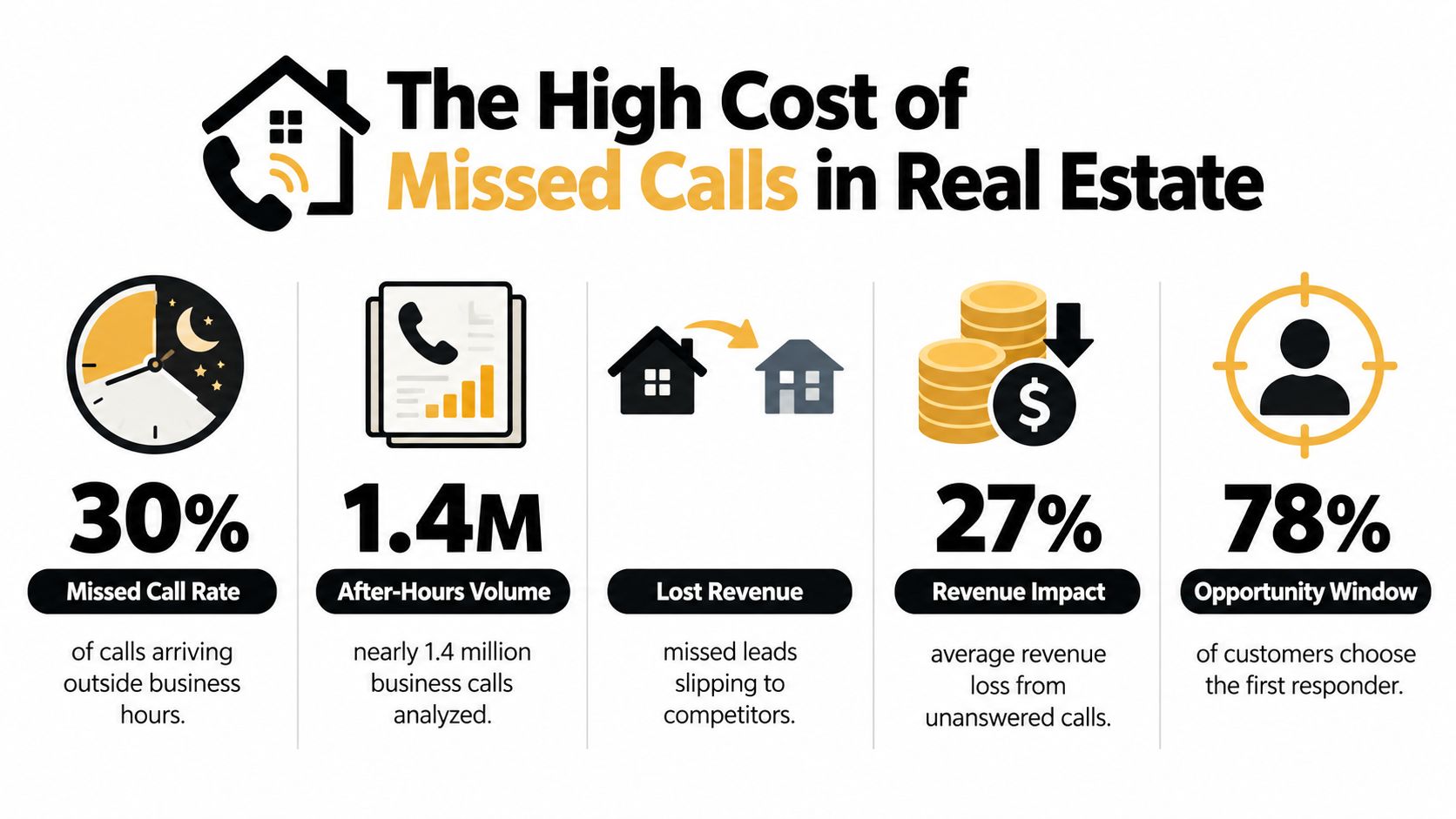
A large-scale analysis of 1,446,980 business calls across 2,074 businesses found that 28.5% arrived outside business hours, 12.4% came on weekends, and 44,641 calls landed during the 6–9 p.m. ET evening window. Among after-hours callers, 34.8% expressed buying intent, according to this analysis of after-hours real estate call activity. The figures don't describe every brokerage, but they show why a phone strategy limited to desk hours leaves a meaningful part of demand uncovered.
Why voicemail fails at the moment of intent
Real estate callers often reach you while you're driving, presenting an offer, walking through a property, or hosting an open house. Industry coverage also reports that many inbound callers don't leave voicemails, particularly when they expect a quick response. A prospect who reaches a generic mailbox can call another agent before you've even seen the missed-call notification, as described in this overview of real estate answering coverage.
The practical test is simple. Ask whether your current setup records more than a number. Can it identify whether the caller is a buyer or seller? Can it capture the property address, preferred area, timing, and reason for calling? Can it alert you when the inquiry needs immediate attention?
Practical rule: Treat every missed real estate call as an unqualified lead until your system captures enough information to prioritize it.
For a more detailed way to think about the revenue at risk, review this analysis of commission lost from missed listing calls and after-hours leads. The point isn't to assign a fixed value to every ring. It's to stop treating missed calls as harmless interruptions and start measuring them as pipeline events.
Legacy Phone Systems Versus Modern AI Solutions
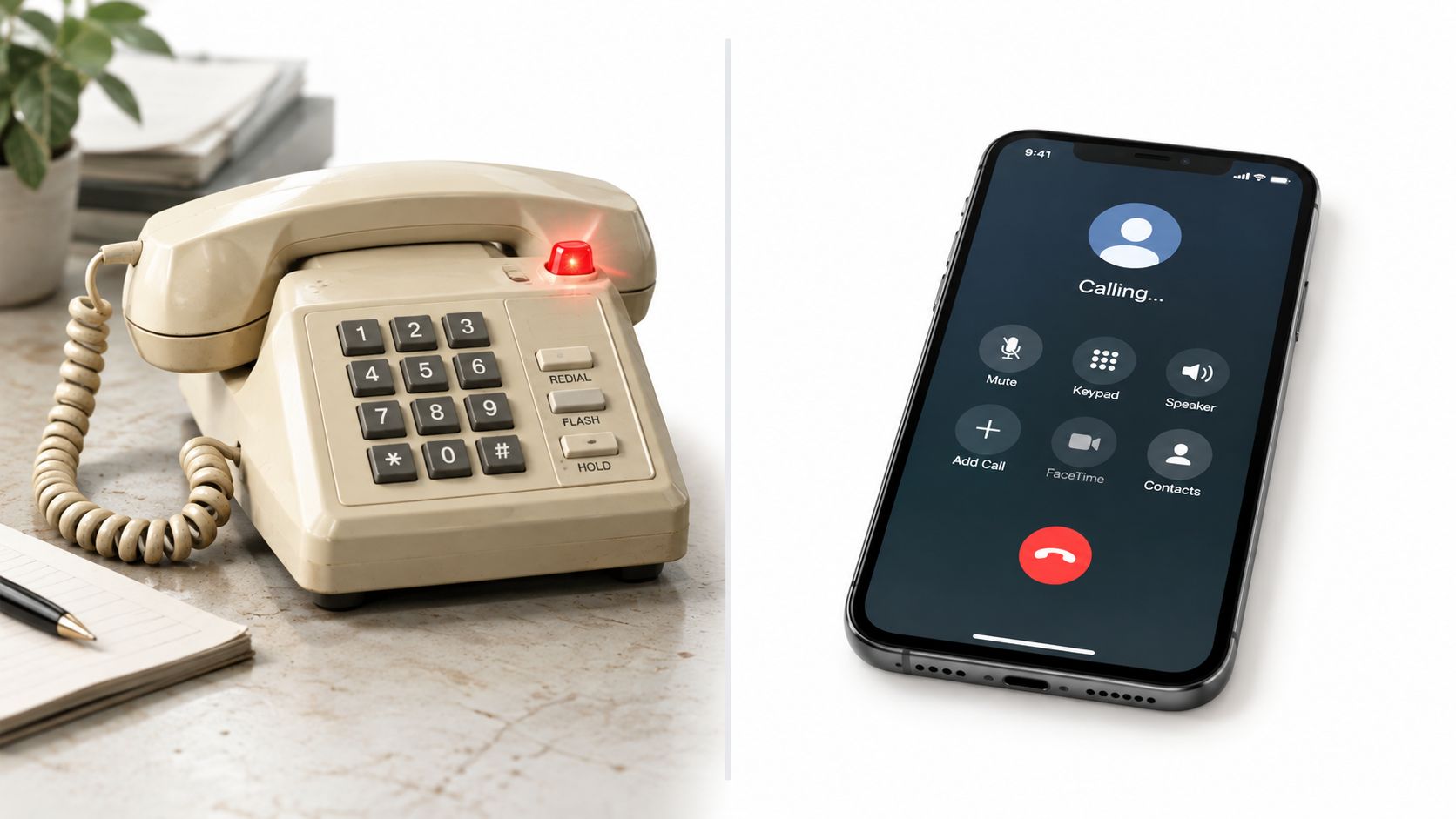
The old model is familiar. Your mobile phone rings, you decline it because you're with a client, and the caller hears a generic voicemail. Call forwarding may send the call to another line, but it usually doesn't provide qualification, scheduling, or a clear record of what the caller wanted.
A modern AI receptionist changes the sequence. It can answer immediately, ask structured questions, provide approved information, book a meeting, and route urgent conversations. That doesn't eliminate the need for an agent. It reserves your attention for calls that require your judgment.
Comparing the two operating models
| Legacy handling | Modern AI handling |
|---|---|
| Voicemail records a message, if the caller leaves one | The receptionist gathers defined lead details |
| Forwarding moves the call to another destination | Routing follows rules based on caller intent |
| Appointments require manual callbacks | Available calendar slots can be offered during the conversation |
| Information stays in voicemail, texts, or memory | Call and text activity can be connected to your business workflow |
Traditional systems still have a place for simple overflow. If your call volume is low and every caller already knows how to reach you, forwarding may be enough. The weakness appears when you're unavailable during the exact moments prospects want answers. A phone tree can move a caller around, but it won't necessarily understand whether they're asking about a listing, requesting a showing, or trying to sell a property.
The useful distinction isn't human versus machine. It's message-taking versus action-taking. A system that only says “someone will call you back” still leaves the important work for later, when the caller may have moved on. The business phone systems with auto-attendant comparison is useful when you're evaluating how much of the intake and routing process your current setup handles.
How SkipCalls Integrates Into Your Workflow
SkipCalls is designed as a practical layer around the work you already do. It can handle customer support, lead qualification, appointment booking, and other inbound tasks, while supporting both voice and text. The important operational detail is that it doesn't require you to abandon your existing business number.
A low-disruption setup
Business AI receptionist platforms can preserve an existing number through number porting or call forwarding, rather than forcing a new public number. Some providers also state that calls continue on the old service until the transfer completes, as explained in this guide to AI phone receptionist setup. That matters for agents whose number appears on signs, listing profiles, email signatures, and referral contacts.
A sensible implementation sequence looks like this:
- Define the call types. Separate buyer questions, seller inquiries, showing requests, existing-client support, and calls that need immediate transfer.
- Write the intake logic. Specify which details should be collected before a callback, such as the caller's name, property address, preferred timing, and purpose.
- Connect the workflow. Use CRM and calendar integrations so captured information doesn't remain trapped in a call transcript. The SkipCalls CRM integration approach is relevant when you want lead records and follow-up tasks connected to the conversation.
- Set escalation rules. Decide which callers should be transferred or trigger an immediate notification, rather than entering a normal callback queue.
Voice and text should be managed together where possible. A caller might phone first, then reply to a confirmation text with an address or scheduling preference. Keeping those interactions connected gives you a more complete record than reviewing a voicemail and a separate SMS thread.
If you're also automating outreach or handling contact data from property research, it's sensible to review skip trace compliance best practices before building follow-up sequences. Compliance and operational clarity should be part of the workflow design, not an afterthought.
The strongest use case is a solo agent or small team that can't answer every call but still wants every inquiry logged, categorized, and given a next step. The system supports the front desk function without requiring a new hardware setup or a full-time receptionist.
Why Speed-to-Lead Determines Deal Conversion
A lead who calls about a property is giving you a live opportunity to understand motivation. That opportunity weakens when the response comes hours later, especially if the prospect contacted several agents or brokerages at the same time.
In real estate, the median agent response time to a new web inquiry is 917 minutes, or more than 15 hours, while other lead-response research shows that contacting a lead within 5 minutes can make qualification far more likely than waiting 30 minutes, according to this real estate lead-response analysis. The contrast is operationally important. A lead-capture system doesn't need to close the deal itself. It needs to prevent the first conversation from going cold.
What the first response should accomplish
Speed alone isn't enough. A fast but empty response, such as an automated “we'll be in touch,” may not help you decide what to do next. Effective intake should answer practical questions:
- Who called? Capture the name and preferred contact method.
- What do they need? Distinguish buying, selling, showing, listing, and existing-client requests.
- How urgent is it? Record the timing, requested action, and any stated deadline.
- What happens next? Transfer, book, text information, or create a follow-up task.
An answering service becomes a conversion lever rather than a passive phone expense. It compresses the time between the initial inquiry and the first useful action. You can then spend your time on negotiation, pricing, property assessment, and client decisions instead of reconstructing incomplete messages.
The real advantage is not that automation sounds fast. It's that the caller leaves the first interaction with a clear next step.
Lead quality also depends on how people find you. If organic search brings prospects to your site, the Digital Skyrocket guide to SEO leads offers useful context on connecting visibility with lead capture. Traffic without prompt phone handling creates a leaky acquisition process. Your marketing may generate attention, but your answering workflow determines whether that attention becomes a conversation.
Choosing Between AI and SMS-Only Workflows
Missed-call text back is useful, but it isn't the same as live answering. A text can acknowledge the inquiry, provide a scheduling link, or ask the caller to share details. It works well when the prospect is comfortable continuing by message and the request is straightforward.
The limitation appears when the caller expects a conversation. A seller may want to explain a complicated situation, a buyer may have questions about a listing, or a referral may need a personal response. Sending a text after the missed call can preserve the opportunity, but it can't always replace the reassurance and clarification that a voice interaction provides.
Match the channel to the intent
A unified voice and text system is more useful than two disconnected tools. Modern AI receptionist services can manage calls and SMS on the same business line, keep those interactions in one conversation history, respond to texts, and update the calendar or CRM, according to this explanation of virtual receptionist workflows.
Use live or AI voice handling when:
- The caller requests a showing. The system can clarify availability and move directly toward booking.
- The inquiry sounds urgent. A defined rule can trigger a transfer or immediate notification.
- The caller has several questions. A conversational intake can collect context more efficiently than a text sequence.
- The lead needs qualification. Voice helps identify the purpose and timing behind a vague inquiry.
Use SMS recovery when:
- You're in a meeting or showing. An immediate text confirms that the call wasn't ignored.
- The request is simple. A booking page, listing information, or callback preference may be enough.
- The caller prefers texting. The conversation can continue without requiring another phone call.
The comparison of missed-call text back versus AI voice is helpful for making this decision. The right question isn't whether AI or SMS is universally better. It's which channel preserves the most useful context for each lead source, time of day, and requested action.
Implementing Your New Lead-Capture System
Start with the calls you're currently losing. Review missed-call notifications, voicemail transcripts, texts, and calendar gaps. Look for repeated requests, common property questions, and moments when you're consistently unavailable. Those patterns should shape the receptionist's rules.
Then build the workflow around a small number of reliable actions:
- Connect the CRM. Confirm that names, phone numbers, notes, tags, and follow-up tasks land in the correct record.
- Connect the calendar. Appointment booking is a core function, and documented integrations include Google Calendar, Outlook, Cal.com, and Calendly. Bookings can be written back to Google Calendar and Outlook, with confirmations sent to the caller by text, as described in this AI receptionist appointment-booking documentation.
- Set availability rules. Define showing windows, transfer conditions, after-hours behavior, and blackout periods.
- Train the intake. Give the system accurate information about your property types, service areas, listing process, buyer and seller questions, and escalation criteria.
- Test real conversations. Call from different numbers and ask ordinary questions, then test ambiguous or urgent requests. Check whether the resulting record gives you enough context to act.
Don't judge the system only by whether it answers. Judge it by what reaches you afterward. A good lead record should tell you who called, why they called, what they expect, and what action has already been taken.
For a solo agent, that may mean fewer interruptions and cleaner callbacks. For a small team, it can create consistent intake across agents without forcing every prospect through a generic phone tree.
SkipCalls handles voice and text, captures lead details, supports appointment booking, and connects with CRM and calendar workflows without requiring you to change your existing business number. Visit SkipCalls to see whether its AI receptionist fits the way your real estate practice handles missed and after-hours calls.